United states
 Canada
 Brazil
 America Latina
 België
 Deutschland
 España
 France
 Italia
 Nederland
 Portugal
 United Kingdom
 Other European countries
 Australia
 China
China Hong Kong
 Japan
Japan Singapore
 South Korea

Download Free Trial
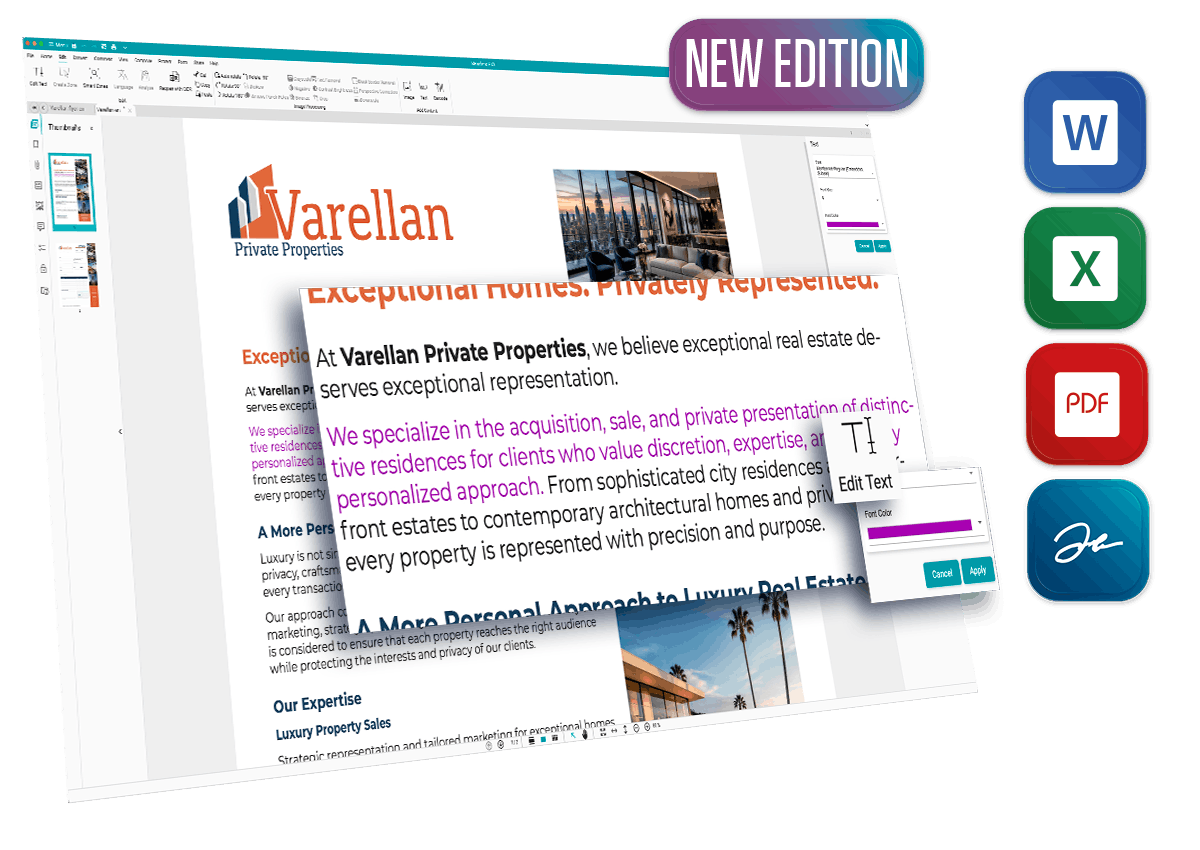
Experience the full power of Readiris PDF 27 for 10 days. Convert, edit, eSign, and organize your documents without limitations.
What's included in the Trial:
- Full PDF Editing & Creation: Take complete control of your documents.
- Advanced OCR & Conversion: Convert scans and images to fully editable text.
- 10 Days Free Access: Test all premium features across the software with no commitment.
How to activate your 10-day trial
Follow these 4 simple steps to access Readiris PDF 27.
Download
Click the Download button matching your OS below and save the installer to your computer.
Install
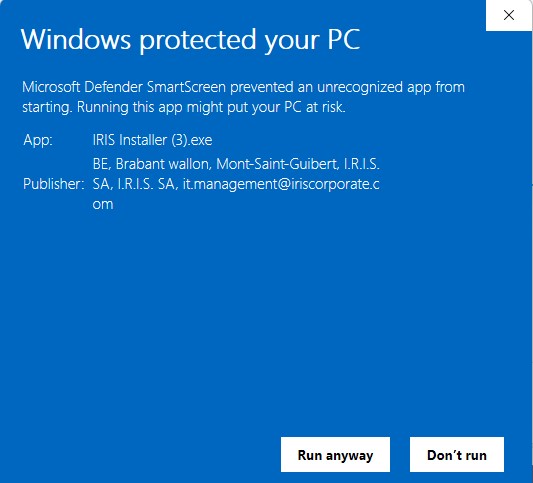
Double-click the downloaded file, follow the on-screen instructions, and accept the license agreement.
Select Trial
Launch the software. When prompted for activation, simply click "I want to start a trial". No code required.
Register & Enjoy
Complete the quick registration form and enjoy 10 days of full access to Readiris PDF 27!
Start Your Free Trial
Download the installer below. You will select "Trial" when launching the software for the first time.
Note: There is only one installer for the software. Selecting trial will automatically unlock all features temporarily.
Support & Resources
Select a category below to view tutorials or check our YouTube Channel for all content.
Download & Activation
Learn how to download, install and activate Readiris PDF.
Image Processing & Naming
Use Smart detection Zone and automatic separation.
Scan and OCR capabilities
Scan & import existing documents from your computer.

Setup your scanner
Readiris PDF works with most TWAIN compliant scanners.
Convert to PDF
Convert your existing documents to PDF format.

Convert to Word
Export to Word to edit your documents quickly and easily.
Conversion optimization
Learn quickly how to use the zoning feature.
Edit a PDF
Correct the text in a document before exporting it.
Edit a Form
How to fill out, extract from and secure Forms.

Create and sign
Readiris PDF allows you to create and sign your PDFs.

Manage and Share
Reorganise your documents very quickly.
Select your OS and Language
Windows®
- Windows® 10 or Windows® 11
- Processor: 1.5 Ghz or higher
- 8 GB RAM
- 5 GB free hard disk space
- Internet connection required for activation
macOS®
- macOS® 11 and above
- Processor: 1.5 Ghz minimum
- 8 GB RAM
- 5 GB free hard disk space
- Internet connection required for activation