United states
 Canada
 Brazil
 America Latina
 België
 Deutschland
 España
 France
 Italia
 Nederland
 Portugal
 United Kingdom
 Other European countries
 Australia
 China
China Hong Kong
 Japan
Japan Singapore
 South Korea
Product Support Center
Find drivers, mobile apps, manuals, and FAQs for your scanner.
Supported Products:
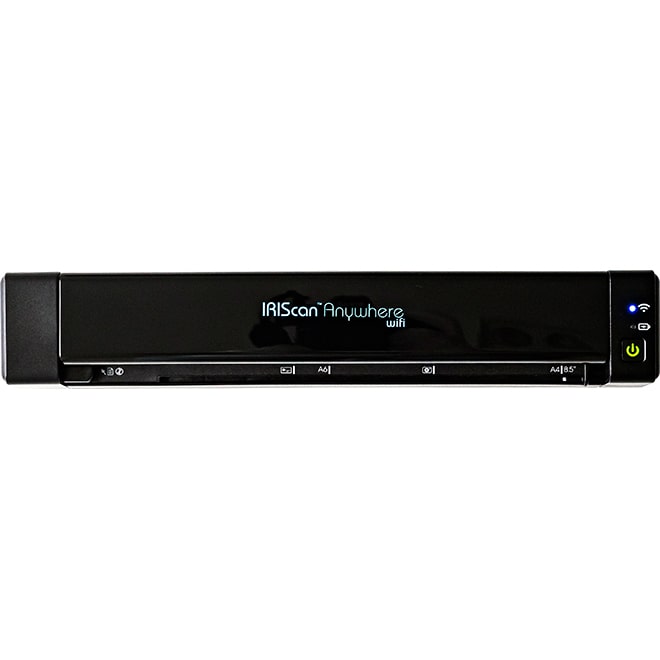
- IRIScan Anywhere 6 Wifi
- IRIScan Anywhere 6 Wifi Duplex
All-in-One Installer
Download Software & Drivers
Includes Scan Drivers, Button Manager, and Readiris PDF 23 IRIS.
Compatible with: Windows 10, 11 & macOS 12+
Basic Drivers Only (No Software - already included in the All-in-One installer):
Software Installation
Follow these steps to install the driver and applications.
1
Start
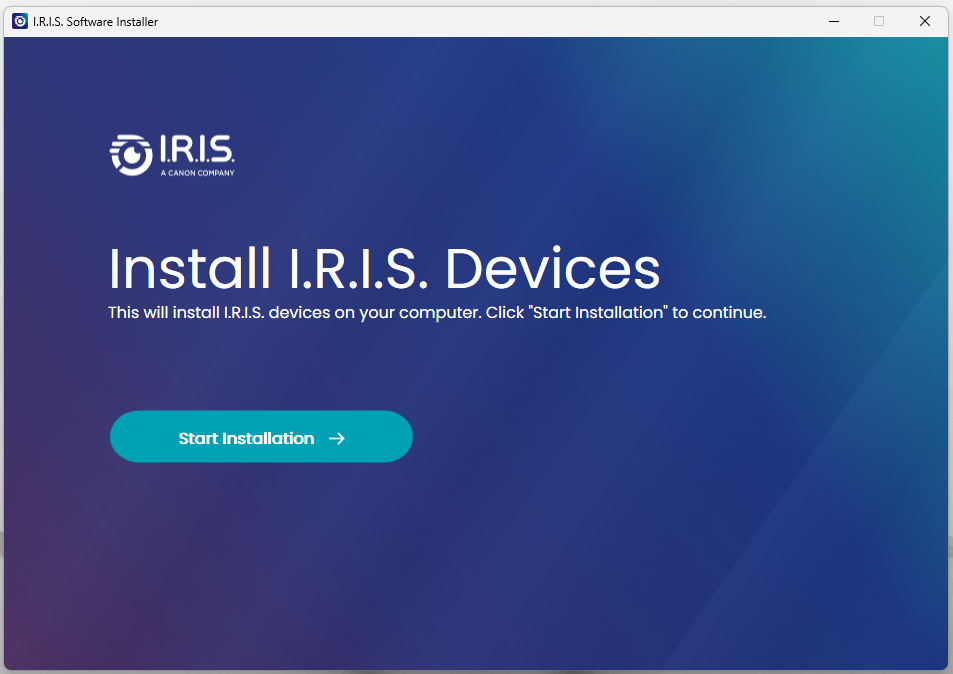
- Run the downloaded file.
- Click "Start Installation".
2
Connect
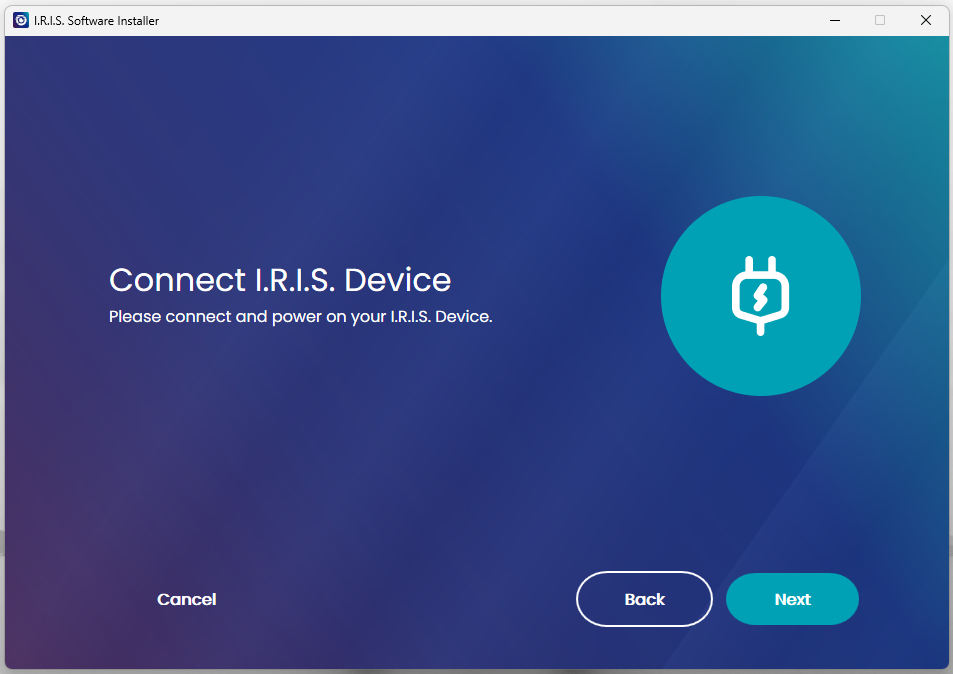
- Connect scanner via USB cable when prompted.
- The software will detect the device.
3
Select
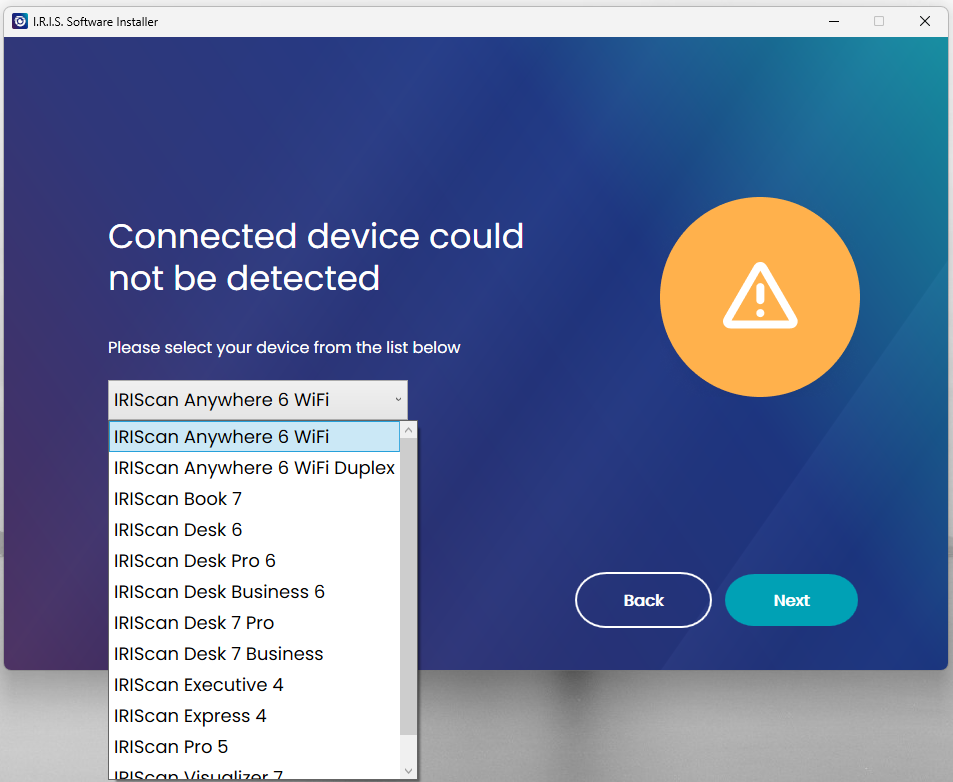
- The installer detects your model automatically.
- Select software to install.
4
Finish
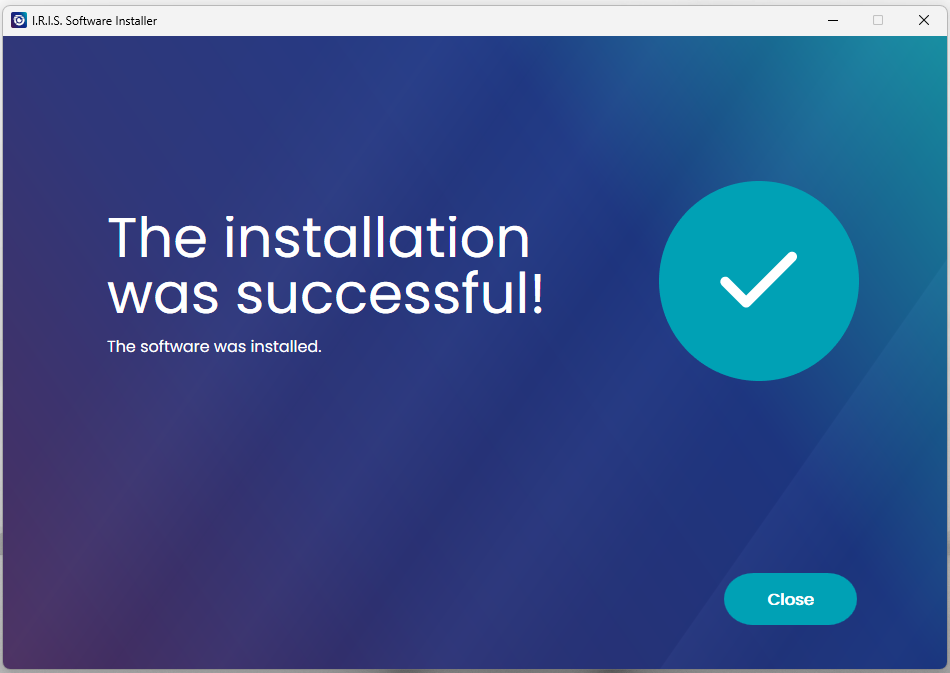
- Click "Close".
- You are now ready to scan.
How to Scan
Choose your preferred scanning method.
Scan to Computer (USB)
1
Connect & Load
- Connect scanner to PC/Mac via USB.
- Insert paper Face Up.
- Adjust paper guides.
2
Start Software
- Windows: Open Button Manager or Readiris PDF.
- Mac: Open Capture Tool.
3
Scan
Initiate scan from:
- Readiris PDF 23 IRIS
- Capture Tool
- Button Manager
Scan to Mobile (Wifi)
1
Enable Wifi
- Turn on the scanner.
- Press the Wifi Button (side).
- The blue light blinks (waiting).
2
Connect Phone
- Go to your phone's Wifi settings.
- Connect to "IRIScan..." network.
- Password: 12345678
- Blue light becomes solid (Connected).
3
Scan in App
- Open IRIScan PDF app.
- Tap the "Start Scan" icon inside the app.
- Download images to your phone.
Get the Mobile App
Required for scanning via Wifi.
Download the "IRIScan PDF Scanner" app.

App Store

Google Play
Check out our official YouTube channel for all tutorials.

The NEW IRIScan Anywhere 6
Discover the new Simplex & Duplex models.
How to reset Wi-fi settings
Learn how to reset the Wi-fi configuration.

Button Manager
Discover how to configure the scanner buttons.
Select your product and language
Scanner Specifications
| Image Sensor | A4 color contact image sensor (CIS) |
|---|---|
| Resolution | 300/600 dpi & 1200 dpi interpolated |
| Speed | Up to 15PPM (4sec) - A4 / Letter |
| Battery Life | Simplex: 60 scans (Wifi ON) / Duplex: 180 scans (Wifi ON) |
| Daily Duty Cycle | 500 pages |
| Connectivity | USB-C (Charging & Data) |
System Requirements
- Windows: 10 or 11 (Intel Standard Graphics, 512MB RAM)
- macOS: 12.x or higher (Intel/Arm processor)
- Mobile: Latest Android & iOS versions
- Hard Disk: 1 GB free space