United states
 Canada
 Brazil
 America Latina
 België
 Deutschland
 España
 France
 Italia
 Nederland
 Portugal
 United Kingdom
 Other European countries
 Australia
 China
 Hong Kong
 Japan
 Singapore
 South Korea
Thank you for your purchase!
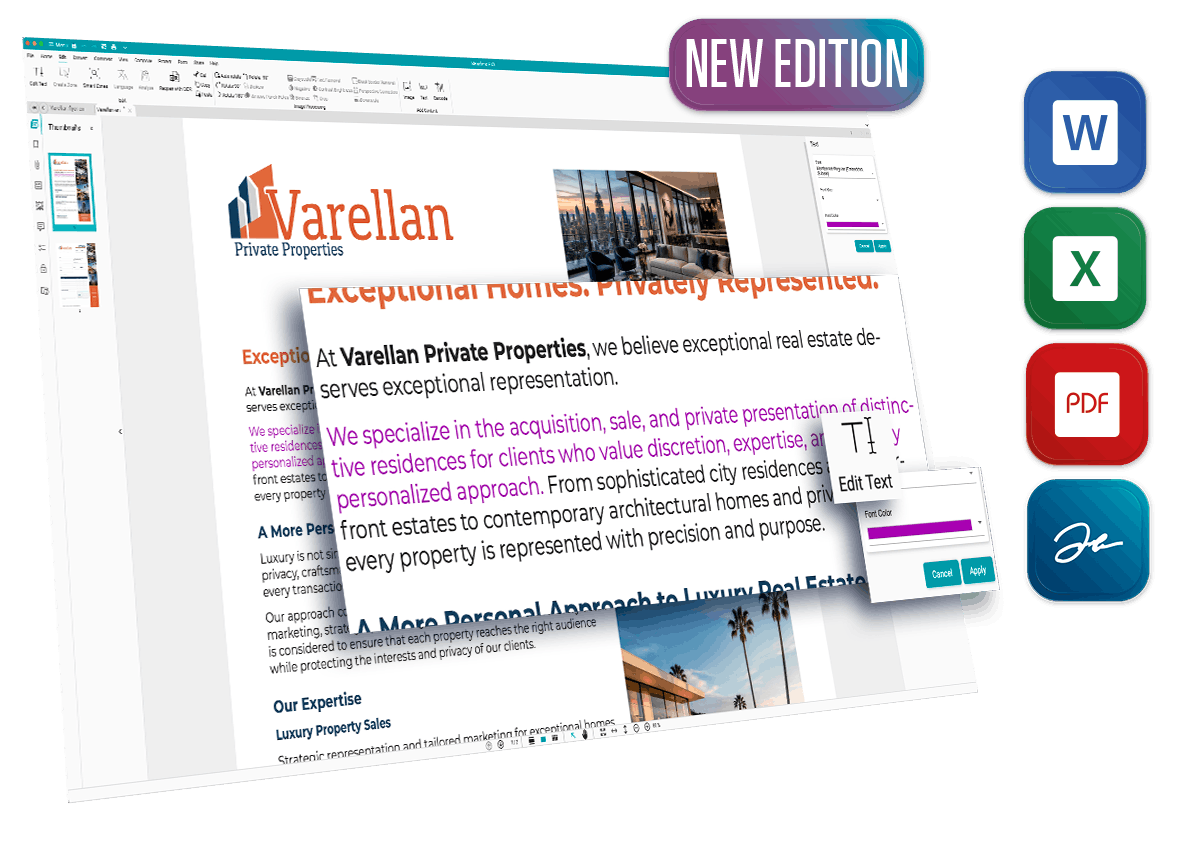
Welcome to the full version of Readiris PDF 27. Let's get your software activated so you can take complete control of your PDFs.
Ready to get started? Check your current version:
- Upgrading from an older version (22, 23, or 25)? You will need to download and install the new Readiris PDF 27 using the button below.
- Already using the Readiris PDF 27 Trial? No need to reinstall! Your trial is already the complete software. Simply follow the activation steps below to unlock your lifetime access instantly.
How to activate your license
Have your confirmation email ready. Your unique activation code was sent to you after purchase.
Open Software
Launch Readiris PDF 27 on your computer. (If you don't have it installed yet, use the download links below).
Go to Menu
In the Readiris application, navigate to the top left menu corner of the screen.
Click "Activation"
Select "Activation" from the dropdown menu to open the license manager.
Activate Online
Copy/Paste your new activation code and click the "Online Activation" button. Enjoy!
Need to install the software?
If you haven't installed the software yet, or are setting up a new computer, download the installer below.
Note: There is only one installer for both Essential and Elite versions. Your specific activation code will automatically detect and unlock the version you purchased!
Support & Resources
Select a category below to view tutorials or check our YouTube Channel for all content.
Download & Activation
Learn how to download, install and activate Readiris PDF.
Document Separation & Autonaming
Use Smart detection Zone and automatic separation.
Scan & OCR Capabilities
Configure your scanner, scan, and import existing documents easily.
Convert to Word
Export to Word to edit your documents quickly and easily.
Convert to PDF
Convert, manage and share your PDF files efficiently.
Zoning & OCR Optimization
Learn quickly how to use the zoning feature for optimal OCR accuracy.
Edit PDF
Correct text, modify layout and organize pages before exporting.
Create, e-Sign & Protect PDF
Create documents, apply electronic signatures and secure your PDF files.
Interactive Forms
How to create, fill out, extract data and secure digital forms.
Select your OS and Language
Windows®
- Windows® 10 or Windows® 11 (64-bit)
- Processor: 1.5 Ghz or higher
- 8 GB RAM recommended
- 5 GB free hard disk space
- Internet connection required for activation
macOS®
- macOS® 11 and above
- Native Apple Silicon (M1/M2/M3/M4) & Intel-based Macs
- 8 GB RAM recommended
- 5 GB free hard disk space
- Internet connection required for activation