United states
 Canada
 Brazil
 America Latina
 België
 Deutschland
 España
 France
 Italia
 Nederland
 Portugal
 United Kingdom
 Other European countries
 Australia
 China
China Hong Kong
 Japan
Japan Singapore
 South Korea
Thank you for your purchase!
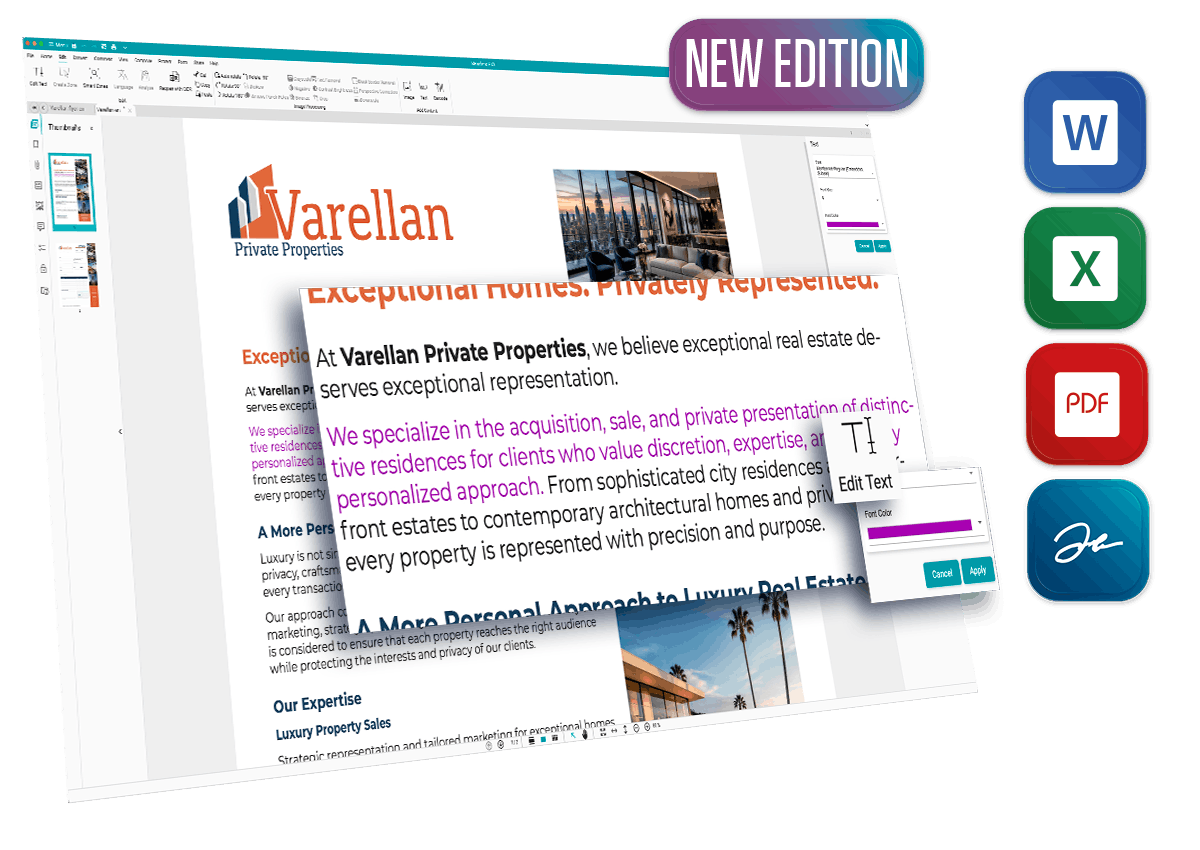
Welcome to the full version of Readiris PDF 27. Let's get your software activated so you can take complete control of your PDFs.
Ready to get started? Check your current version:
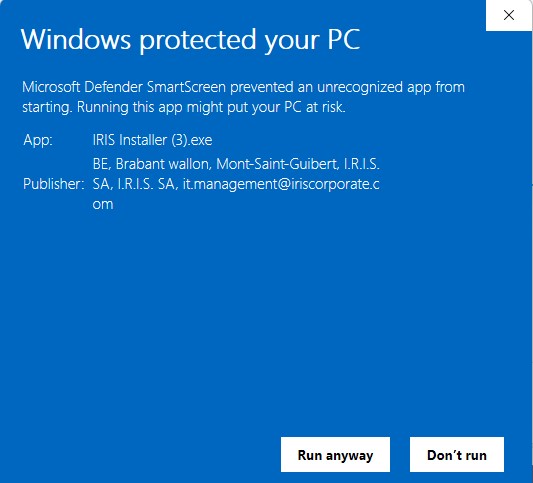
- Upgrading from an older version (22, 23, or 25)? You will need to download and install the new Readiris PDF 27 using the button below.
- Already using the Readiris PDF 27 Trial? No need to reinstall! Your trial is already the complete software. Simply follow the activation steps below to unlock your lifetime access instantly.
How to activate your license
Have your confirmation email ready. Your unique activation code was sent to you after purchase.
Open Software
Launch Readiris PDF 27 on your computer. (If you don't have it installed yet, use the download links below).
Go to Menu
In the Readiris application, navigate to the top left menu corner of the screen.
Click "Activation"
Select "Activation" from the dropdown menu to open the license manager.
Activate Online
Copy/Paste your new activation code and click the "Online Activation" button. Enjoy!
Need to install the software?
If you haven't installed the software yet, or are setting up a new computer, download the installer below.
Note: There is only one installer for both Essential and Elite versions. Your specific activation code will automatically detect and unlock the version you purchased!
Support & Resources
Select a category below to view tutorials or check our YouTube Channel for all content.
Download & Activation
Learn how to download, install and activate Readiris PDF.
Image Processing & Naming
Use Smart detection Zone and automatic separation.
Scan and OCR capabilities
Scan & import existing documents from your computer.

Setup your scanner
Readiris PDF works with most TWAIN compliant scanners.
Convert to PDF
Convert your existing documents to PDF format.
Convert to Word
Export to Word to edit your documents quickly and easily.
Conversion optimization
Learn quickly how to use the zoning feature.
Edit a PDF
Correct the text in a document before exporting it.
Edit a Form
How to fill out, extract from and secure Forms.

Create and sign
Readiris PDF allows you to create and sign your PDFs.

Manage and Share
Reorganise your documents very quickly.
Select your OS and Language
Windows®
- Windows® 10 or Windows® 11
- Processor: 1.5 Ghz or higher
- 8 GB RAM
- 5 GB free hard disk space
- Internet connection required for activation
macOS®
- macOS® 11 and above
- Processor: 1.5 Ghz minimum
- 8 GB RAM
- 5 GB free hard disk space
- Internet connection required for activation