United states
 Canada
 Brazil
 America Latina
 België
 Deutschland
 España
 France
 Italia
 Nederland
 Portugal
 United Kingdom
 Other European countries
 Australia
 China
China Hong Kong
 Japan
Japan Singapore
 South Korea
Product Support Center
Get started with your interactive document camera scanner.
Supported Products:
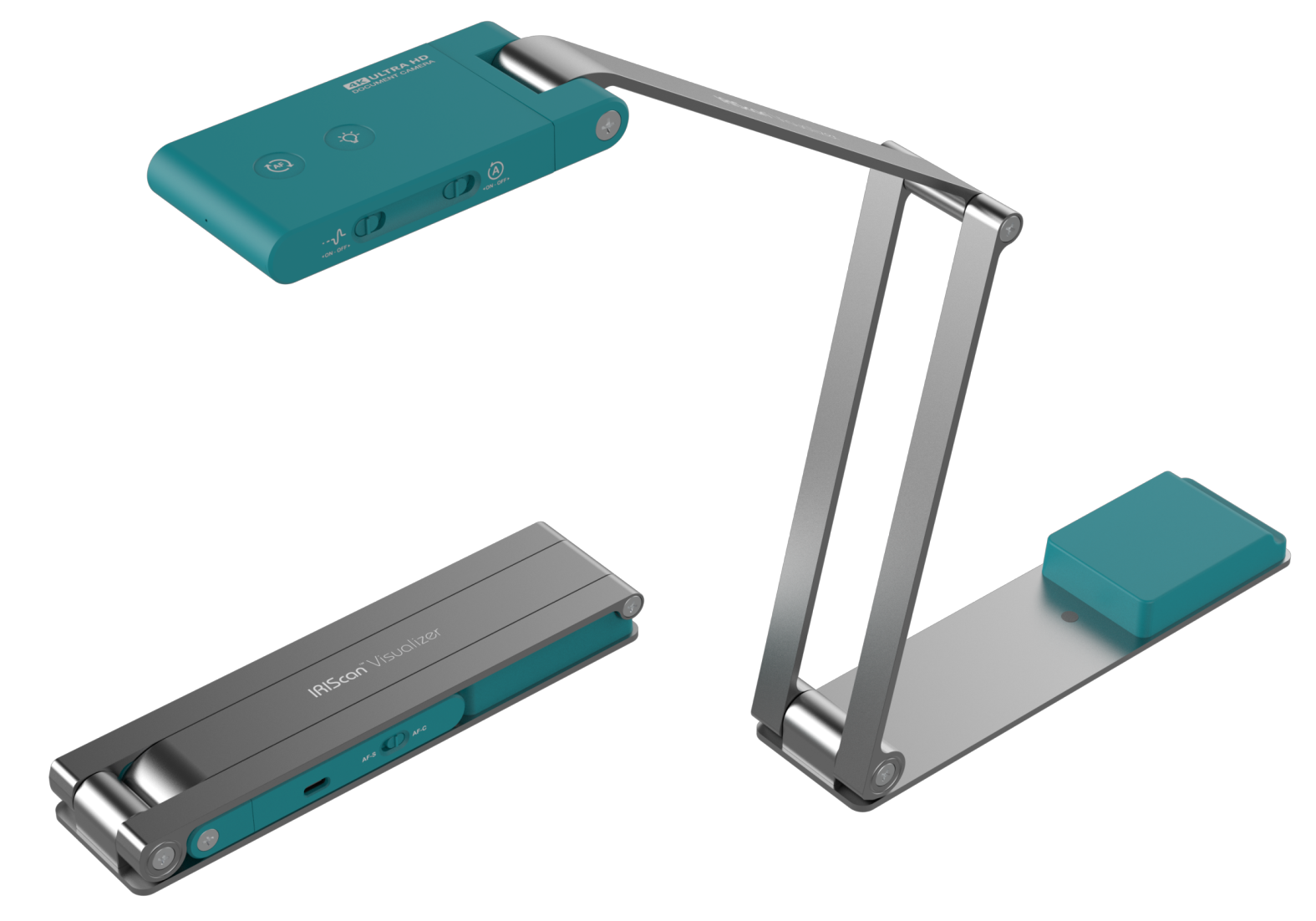
- IRIScan Visualizer 7
- IRIScan Visualizer 7 Dyslexic
All-in-One Installer
Download Software & Drivers
Includes Readiris Visual (Interactive Visualizer Software), TWAIN Drivers, and Readiris PDF (10-day Trial).
Compatible with: Windows 10, 11 & macOS 10.15+
For IRIScan Visualizer 7 Dyslexic Only
Additional Readiris Dyslexic software for Dyslexic model users. Windows Only.
Note: Requires the license code included in the box to activate.
Download
Readiris Dyslexic
Software Installation
Follow these steps to install the driver and applications.
1
Start
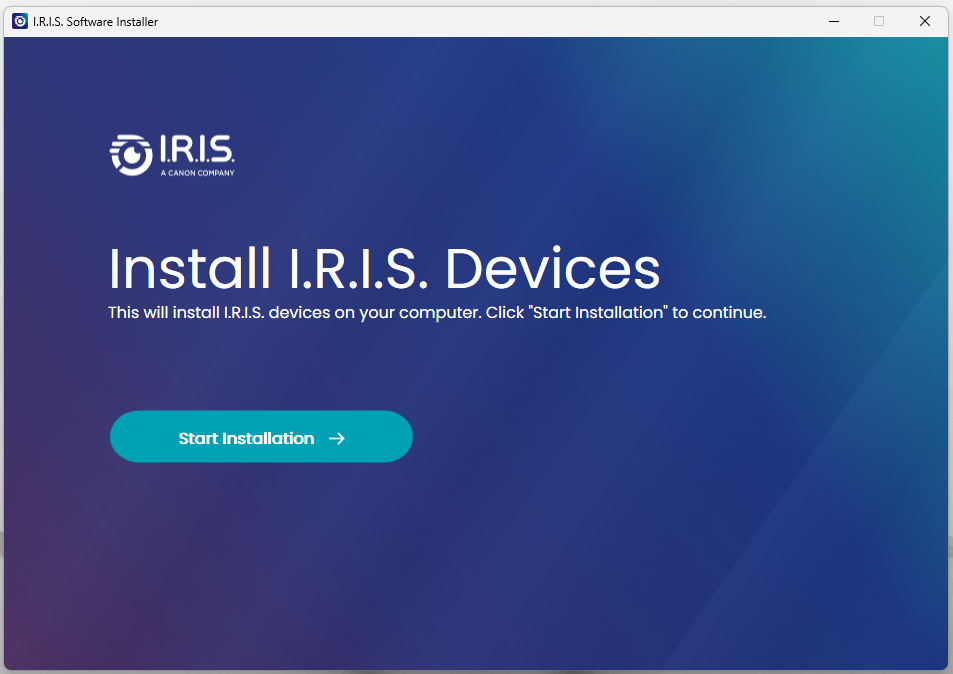
- Run the downloaded file.
- Click "Start Installation".
2
Select
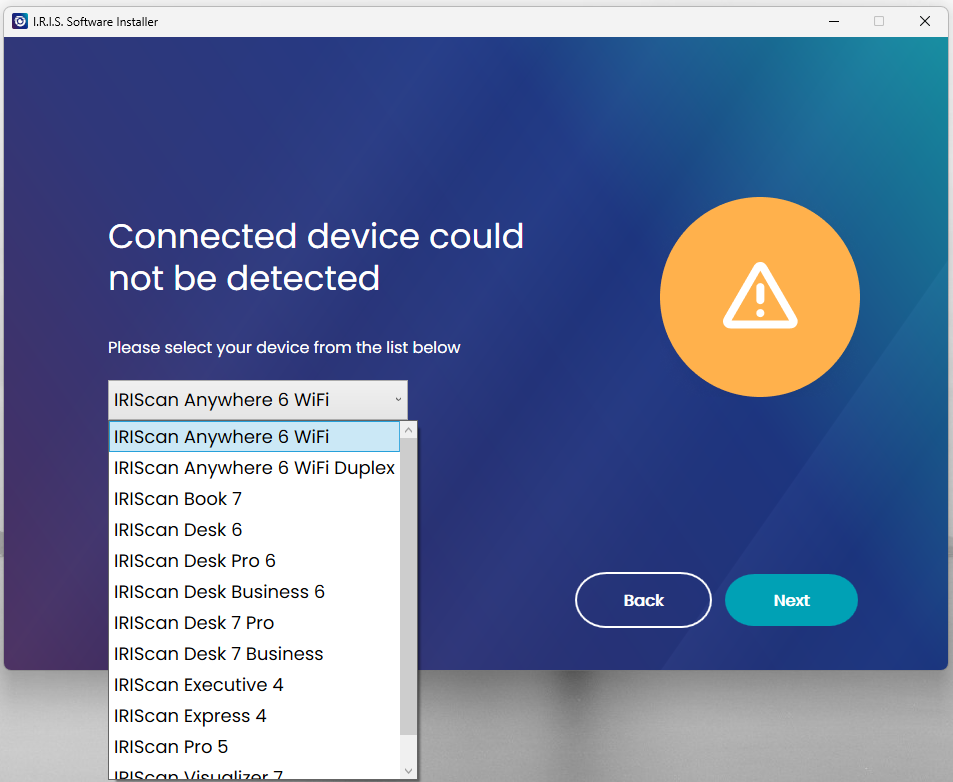
- The installer detects your model.
- Select Readiris Visual.
- Select Readiris PDF.
3
Finish
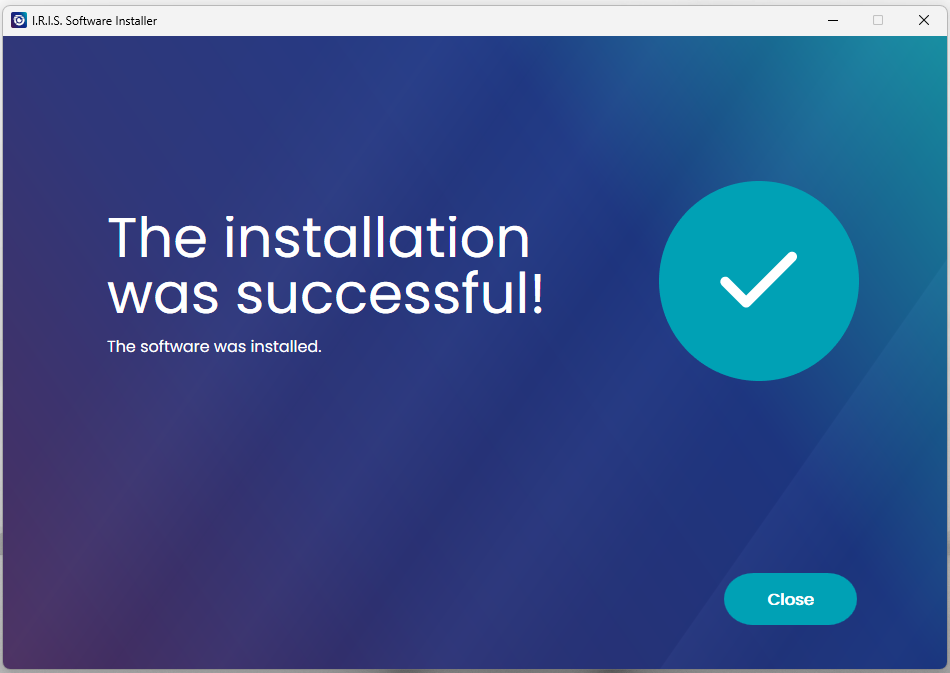
- Click "Close".
- Installation is now complete.
- Proceed to the next step.
Getting Started
Follow these simple steps to set up your IRIScan Visualizer.
1
Connect
- Unfold the mechanical arm of your IRIScan Visualizer camera.
- Connect the provided USB cable to the camera and directly into your computer's USB port.
2
Launch & Privacy Check
- Open the Readiris Visual application. The "Visualizer" mode should display your camera feed.
- Important Privacy Check:
- If the camera is not detected, go to Windows Settings > Privacy > Camera (or Mac System Settings > Privacy & Security > Camera) and Allow Access.
3
Present & Scan
- Visualizer: Record video, take snapshots, or present.
- Split Screen: Compare documents or cameras side-by-side.
- Whiteboard: Annotate and interact with captured media.
Check out our official YouTube channel for all our videos and content.
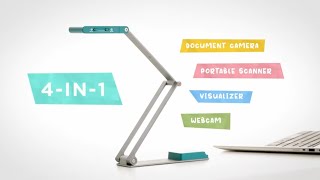
Discover the IRIScan Visualizer 7
IRIScan Visualizer 7 in Motion
Select your product and language
| Feature | Specification |
|---|---|
| Image Sensor | 1/3.06” Sony CMOS camera 13MP, 4160 x 3120 pixels |
| Camera Capture Area | V4K Pro camera – A3 format (440 x 330mm / 17.32 x 12.99 inches) |
| Video Output | 4K@30fps - 1080p@60fps |
| Microphone | Built-in with AI Noise Cancellation Technology |
| Lighting | White LED Lamp |
| Focus | Auto (AF-C / AF-S) |
| Interface | USB Type-C (Powered By USB 2.0 5V/0.5A) |
| Scanner Net Weight | 410g / 0.9lbs |
| Dimensions (Extended) | 397 × 51 × 351 mm / 15.63 x 2.01 x 13.82 inches |
| Dimensions (Closed) | 197 × 51 × 20 mm / 7.76 x 2.01 x 0.79 inches |
| Companion Software | Readiris Visual – lifetime |
| TWAIN Compatible | Yes (Twain 64bit) |
System Requirements
- Windows®: Windows® 10 or 11 (Intel® i5 processor or higher, 8GB RAM minimum)
- macOS®: macOS® 10.15 or higher (Intel® i5 processor or higher / Apple M1+, 8GB RAM minimum)
- Hard Disk: 20GB free hard drive space recommended for recorded videos
- USB: USB 2.0 or above (1 available port)