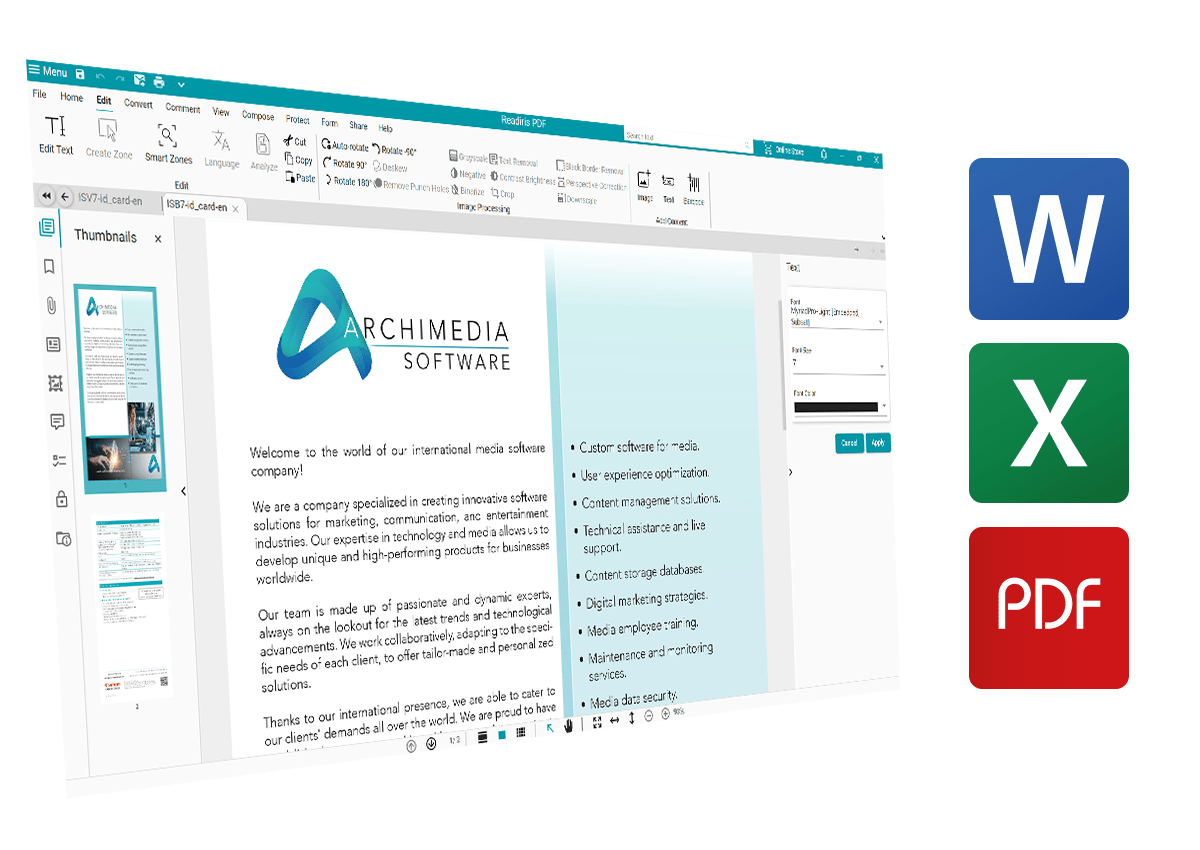


Discover Readiris PDF features
Discover the power of Readiris PDF Essential & Elite !
Scan & Convert all documents to different format
Transform your document management with Readiris PDF Essential & Elite. Convert files to and from PDFs effortlessly in a few clicks to different formats.
- Import various file formats such as images, office documents, PDFs and scans
- Converts PDFs to Word, Excel, Powerpoint, HTML, EPUB, Searchable PDF and more...
- Convert multiple files in one click with batch OCR!
- Ensure seamless compatibility with all scanners, including HP MFPs, using Readiris Essential & Elite
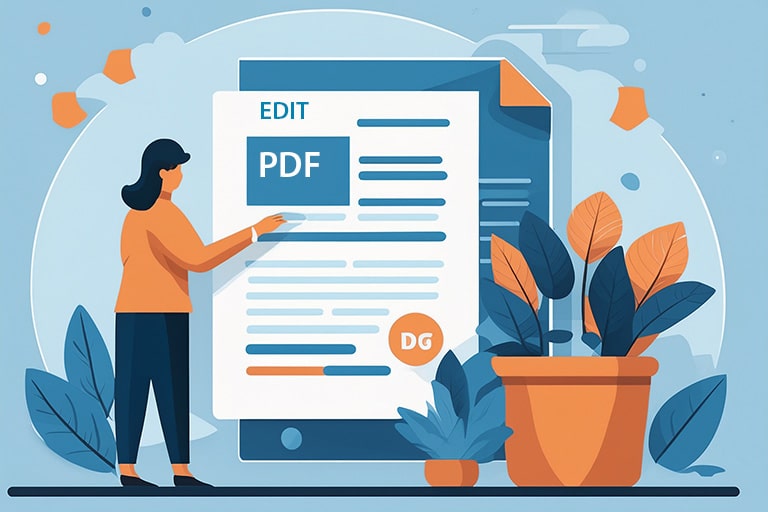
Edit all your PDFs in anyway you want !
Unlock the power of Readiris PDF Essential & Elite to edit and save your files as you wish !
- Effortlessly add text, images, and shapes to your PDFs for organized editing
- Modify font size, color, and style within your PDF text for complete customization
- Seamlessly insert links and add watermarks to enhance your documents
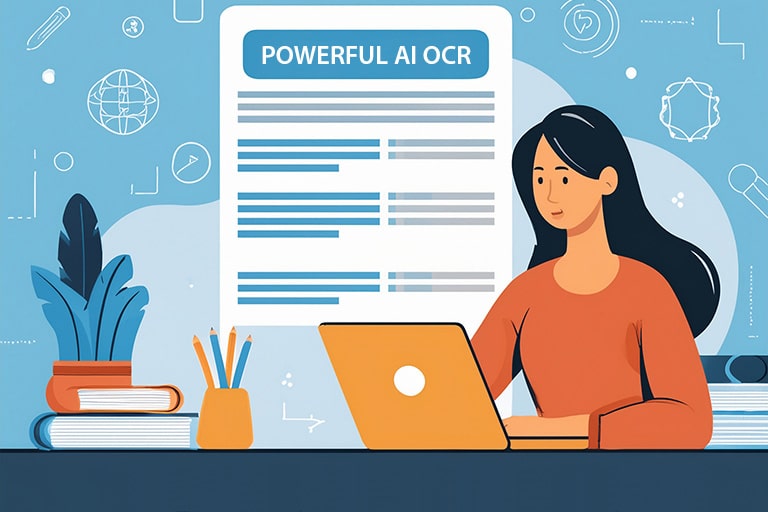
Discover the most powerful OCR !
Discover the powerful OCR technology of Readiris PDF Essential & Elite, designed to convert scanned documents into editable and searchable formats with exceptional accuracy.
- Recognize all texts from PDFs and images
- Use OCR for your files with more than 138 languages (Arabic, Chinese, Korean, Japanese and Vietnamese incl.)
- Enjoy accurate character recognition for various languages, enhancing document usability
- Compatible with all scanners
Organize your files and Create new ones at any moment !
Discover the enhanced utility of Readiris PDF with its powerful text editing capabilities.
- Merge, split, rotate, delete, extract, crop and reorganize pages from your documents with ease
- Annotate, add markups, underlines, comment, redact, highlights and more !
- Compress your PDFs to reduce their size but not their quality
- Create PDFs from Ms Office files (Word, Excel, Powerpoint, etc.) , from images , PDFs and scans.

Protect & eSign all your files !
Discover the enhanced utility of Readiris PDF with its powerful text protecting capabilities. Prevent unauthorized access to your files and from copying, editing, printing and viewing them. Keep sensitive data confidential.
- Protect your PDFs and documents with a password to increase security
- Use our Redact feature to hide sensitive information
- Create a signature and use the eSign feature to protect your data

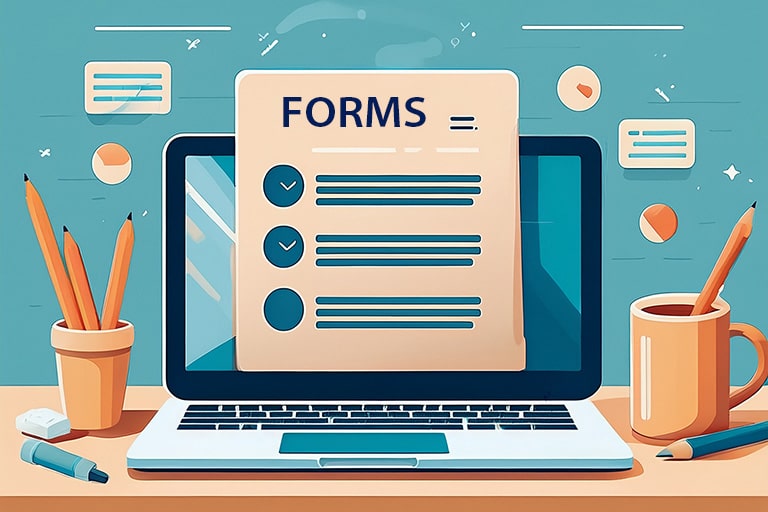
Fill all your PDFs forms quickly and easily
Fill in your PDF forms in a snap with Readiris PDF Essential & Elite. Extract data to Excel in one click for easy analysis. Flatten forms to preserve content exactly as displayed.
- Quick Form Filling: Complete PDF forms in a snap
- Instant Data Extraction: Extract data "from forms" to Excel or XML with a single click
- Secure Form Flattening: Flatten forms to lock in data and ensure document integrity
- Smart PDF Naming: Readiris PDF Elite automatically names your documents
- Effortless Document Separation: Instantly split PDFs by barcodes, specific text, or blank pages




OCR Languages
+k
IRIS OCR Users
%
Customers Satisfaction
What is new in Readiris PDF Edition 2026?
Readiris PDF offers the following features when compared with the previous versions
Readiris PDF 23
|
Readiris PDF
|
Readiris PDF
|
|
|---|---|---|---|
| IMPROVED - User Interface | |||
| IMPROVED - OCR Speed & Accuracy & App & PDF Opening Speed | |||
| IMPROVED - PDF Editing & Document Composition | |||
| IMPROVED - Hyperlinks Support & Image Stamping with Transparency | |||
| IMPROVED - Document Automation (Separation & Naming) | |||
| NEW - Forms Filling & PDF-UA Support | |||
| NEW - PDF Digital Edition Support & Large Document Format Support | |||
| NEW - Right to Left UI | |||
| NEW - Flattening Mode | |||
| NEW - Multiple e-Signature |
Readiris PDF Essential & Elite for All Industries
Simple and powerful, the perfect tool for all
Readiris Elite for Business Owner
Discover Readiris PDF, your ultimate PDF management solution tailored for small and medium businesses. Effortlessly handle and transform files from various formats into professional PDF documents. Create, edit, annotate, organize, enhance, compress, e-sign, and securely share your customized single or multiple PDF files with ease
The Readiris PDF document manager is a best-of-bred software solution that gives users access to a suite of management features such as:
- PDF conversion tools (convert PDF to word, Word to PDF, JPG to PDF)
- Text editor and other markup tools
- Powerful scanning and OCR capture
- PDF merging, combination, and splitting

Readiris PDF for the Legal Industry
In the legal industry, precision and accuracy are non-negotiable. Professionals need reliable tools to edit, amend, and share documents quickly and securely. The Readiris PDF software suite provides the flexibility and features legal teams need to handle critical documentation with confidence.
The Readiris PDFsoftware platform is a best-of-breed software solution that includes a wide array of PDF editing features, including :
- PDF conversion tools (PDF to Word, JPEG to PDF, Word to PDF)
- PDF merging, combination, and splittingg
- Signature overlays and e-signature capabilities
- Text editor and other markup tools

Readiris PDF Essential & Elite for Students
Inspiring future global citizens requires the right tools, including effective use of technology in education. Combining tech with diverse life experiences enriches student learning. The PDF format supports both goals by enhancing accessibility and engagement in academic settings.
The Readiris PDF document manager is a best-of-bred software solution that gives users access to a suite of management features such as:
- Powerful PDF Conversion tools
- PDF merging, combination, and splitting features
- Robust scanning and OCR capabilities
- PDF text editor, stamps, and other markup tools

Readiris PDF in the Health Sector
Businesses succeed when both employees and consumers are healthy, supported by advancements in modern, patient-focused medicine. IRIS contributes to this by enhancing healthcare efficiency through technology. Readiris PDF software empowers medical professionals with superior control over digital documentation.
The Readiris PDF software is a best-of-breed software solution that allows users to access a full line of features including:
- PDF conversion tools (PDF to Word, JPEG to PDF, Word to PDF)
- PDF merging, combination, and splitting functionality
- PDF text editor, stamp overlays, and additional markup tools
- PDF redact for hiding confidential patient private record

They Trust us !






Pricing
Compare Readiris PDF Essential & Elite below to discover all features !

/ Lifetime license for 1 PC/Mac
Everything from Readiris PDF Essential:
- Scan & OCR in 138 Languages
- Edit, Convert & Manager PDFs
- Fill PDFs Forms
- Export to/from Office Formats
- Save & Print
- PDF Bookmarks
- Batch Document Conversion
- Barcode Extraction/Reading

/ Lifetime license for 1 PC/Mac
Everything from Readiris PDF Elite:
- Scan & OCR in 138 Languages
- Edit, Convert & Manager PDFs
- Fill PDFs Forms
- Export to/from Office Formats
- Save & Print
- PDF Bookmarks
- Batch Document Conversion
- Barcode Extraction/Reading
- Create Text and Barcode Stamps
- Cloud Export (Dropbox, Google Drive, Box, OneDrive...)
- PDF/A Archive Support
- Advanced Forms & Automation Tools
- Advanced Image Processing
- Smart Page Separation
- Automated PDF Naming
- Redact & Attachments
- Protect & eSign (Double Signature)
/ Lifetime license for 3 PC/Mac
Everything from Readiris PDF Essential:
- Scan & OCR in 138 Languages
- Edit, Convert & Manager PDFs
- Fill PDFs Forms
- Export to/from Office Formats
- Save & Print
- PDF Bookmarks
- Batch Document Conversion
- Barcode Extraction/Reading
/ Lifetime license for 3 PC/Mac
Everything from Readiris PDF Elite:
- Scan & OCR in 138 Languages
- Edit, Convert & Manager PDFs
- Fill PDFs Forms
- Export to/from Office Formats
- Save & Print
- PDF Bookmarks
- Batch Document Conversion
- Barcode Extraction/Reading
- Create Text and Barcode Stamps
- Cloud Export (Dropbox, Google Drive, Box, OneDrive...)
- PDF/A Archive Support
- Advanced Forms & Automation Tools
- Advanced Image Processing
- Smart Page Separation
- Automated PDF Naming
- Redact & Attachments
- Protect & eSign (Double Signature)
Reviews
Discover what people say about Readiris PDF Essential & Elite
Excellent PDF Editor for Windows & macOS. Everything I’ve done always gives me results I want, easily. I just love using it to automate my tasks. Just Works, Everything! No doubt in my mind that I will get great results. No more, no less. Just keep it coming.

American Customer
Exceptional PDF interface. The Readiris Elite is exceptional in terms of structuring and usability. Files are processed effectively and are visually engaging, with functions for conversion, etc., that are excellent in both form and usability. Readiris Elite's interface presentation is visually appealing. The rapid access features, along with the convenient dashboard for conversions and related tasks, are outstanding. I appreciate the overall layout of the interface.
French Customer
A comprehensive PDF reader & editor. I use the OCR tool of Readiris PDF because it is the best and the cheapest of all existed tools. Readiris PDF is a good software for editing and creating PDF files as it has many helpful features that save your time and effort. I like the OCR tool because it supports many languages more than any other OCR tool.
German Customer
Good software. Good, solid software for processing scanned documents and PDFs. OCR is much more powerful than Adobe. Very comprehensive, powerful OCR and practical PDF functions. Used to compose documents with various files, it works very well. The conversion to editable Word has also served me well.
French Customer
I have been using Readiris PDF for more than two years but I faced many problems with the OCR tool. I hope they can upgrade it to higher levels. Readiris PDF is a good software for editing and managing PDF files but not the best. Readiris PDF has some good functions and features, like OCR which supports many languages more than any other OCR tool. but the good thing is that Readiris PDF is cheaper than other tools.
Indian Customer
A Powerful Tool. As a big user of the more industry standard PDF software, this Readiris package is a welcome change. Although it's on the expensive side, Readiris PDF is a single cost that ends up being cheaper than a subscription for the other.And with this premium version, you're getting document signing, OCR, page extraction and rearrangement, direct scanning, etc. All the stuff you really need to process PDF documents - and the interface is easy to navigate.
Italian Customer
Discover Readiris PDF in Videos
Watch the videos below to see all the features. More on YouTube
Frequently Asked Questions
You have questions ? We have answers !
Have a question? Check out the FAQ
What payment methods can I use to buy this upgrade?
You can use most online payment methods available on the market: Visa, MasterCard, PayPal, American Express, Maestro, etc. Payment by bank transfer is also available in certain countries. Payment methods differ according to your location
Is it a lifetime license or a subscription model ?
The licenses are perpetual (lifetime) limited for 1 computer at a time per license. The onetime payment allows you to benefit from free updates (25.0 to 25.1). Major upgrades are not free unless you select the "Software upgrade insurance" option during the purchase process.
Can you transfer the License to a new PC (Windows or Mac) ?
You can easily activate and deactivate a license on a computer via the software interface. First you need to deactivate the license on the old computer via ‘Activation’ section in the software interface, then activate on the new computer.
Does Readiris PDF Essential & Elite work on Windows and macOS ?
Yes, both versions are compatible with Windows (10 & 11) and macOS 13 & above.
What is the minimum system configuration requirements do I need?
Windows & macOS
- Processor: 1.5GHz processor or higher
- Memory: 8 GB RAM or higher
- Available Hard Drive Space: 2 GB or higher
- Operating System: Windows 10-11 64-bit / macOS 11 and
above
- Internet Connection
Can I use the Readiris PDF upgrade on several computers at a time?
Readiris PDF can only be used on one computer at a time, meaning it is restricted to a single installation per license. Volume licenses are available if you need more than 10 users. Feel free to reach out if you need volume licenses.
What are the OCR languages supported by Readiris ?
Afaan Oromo, Afrikaans, Albanian, Arabic, Asturian, Aymara, Azeri (Latin), Balinese, Basque, Bemba, Bikol, Bislama, Bosnian (Cyrillic), Bosnian (Latin), Brazilian, Breton, Bulgarian, Bulgarian-English, Byelorussian, Byelorussian-English, Catalan, Cebuano, Chamorro, Chinese (Simplified), Chinese (Traditional), Corsican, Croatian, Czech, Danish, Dutch, English (UK), English (USA), Esperanto, Estonian, Faroese, Farsi, Fijian, Finnish, French, Frisian, Friulian, Galician, Ganda, German, German (Switzerland), Greek, Greek-English, Greenlandic, Haitian Creole, Hani, Hebrew, Hiligaynon, Hungarian, Icelandic, Ido, Ilocano, Indonesian, Interlingua, Irish (Gaelic), Italian, Japanese, Javanese, Kapampangan, Kazakh, Kikongo, Kinyarwanda, Korean, Kurdish, Latin, Latvian, Lithuanian, Luba, Luxembourgish, Macedonian, Macedonian-English, Madurese, Malagasy, Malay, Manx (Gaelic), Maori, Mayan, Mexican, Minangkabau, Moldovan, Mongolian (Cyrillic), Nahuatl, Norwegian, Numeric, Nyanja, Nynorsk, Occitan, Papiamento, Pidgin English (Nigeria), Polish, Portuguese, Quechua, Rhaeto-Romance, Romanian, Rundi, Russian, Russian-English, Samoan, Sardinian, Scottish (Gaelic), Serbian, Serbian (Latin), Serbian-English, Shona, Slovak, Slovenian, Somali, Sotho, Spanish, Sundanese, Swahili, Swedish, Tagalog, Tahitian, Tatar (Latin), Tetum, Tok Pisin, Tonga, Tswana, Turkish, Turkmen (Latin), Ukrainian, Ukrainian-English, Uzbek, Waray, Welsh, Wolof, Xhosa, Zapotec, Zulu.