United states
 Canada
 Brazil
 America Latina
 België
 Deutschland
 España
 France
 Italia
 Nederland
 Portugal
 United Kingdom
 Other European countries
 Australia
 China
China Hong Kong
 Japan
Japan Singapore
 South Korea
Product Support Center
Find drivers, manuals, tutorials, and FAQs for your mobile sheetfed scanner.
Supported Products:
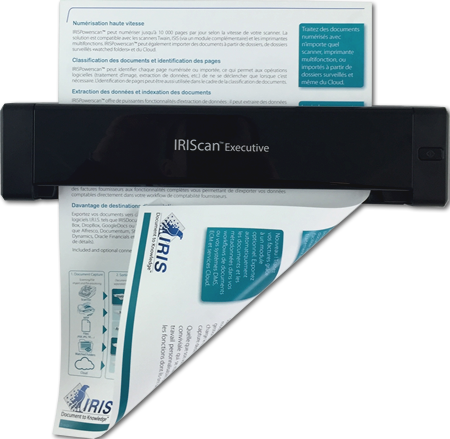
- IRIScan Express 4
- IRIScan Executive 4
All-in-One Installer
Download Software
Includes Scanner Driver (Twain), Button Manager, and Readiris PDF 23 IRIS.
Compatible with: Windows 10 & 11
Basic Drivers Only (No Software - Already included in all-in-one installer):
Software Installation
Follow these steps to install the driver and applications.
1
Start
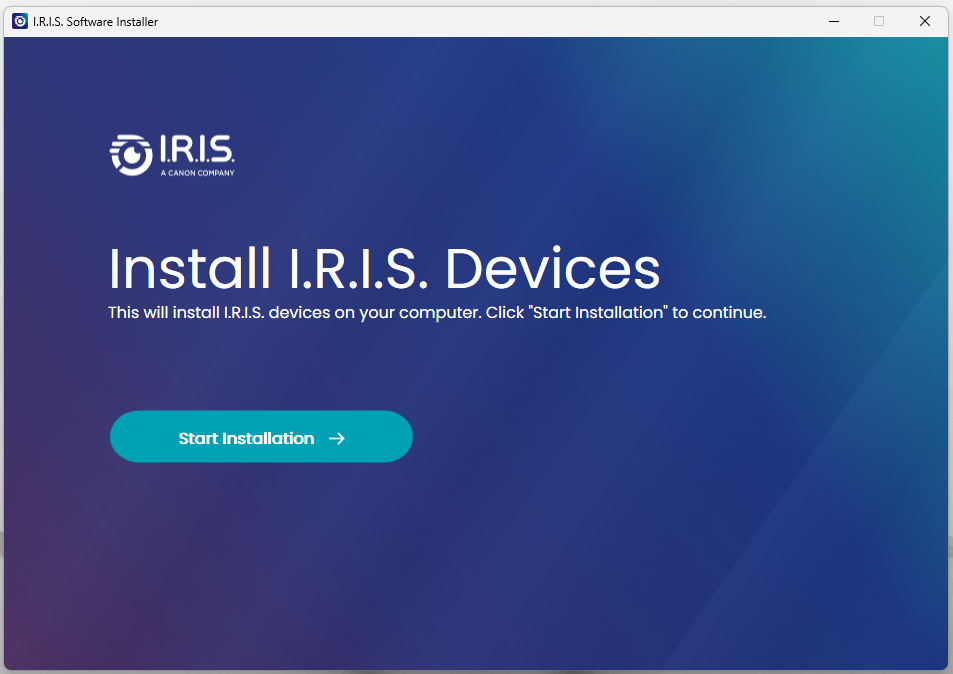
- Run the downloaded IRIS Installer.
- Click "Start Installation".
2
Connect
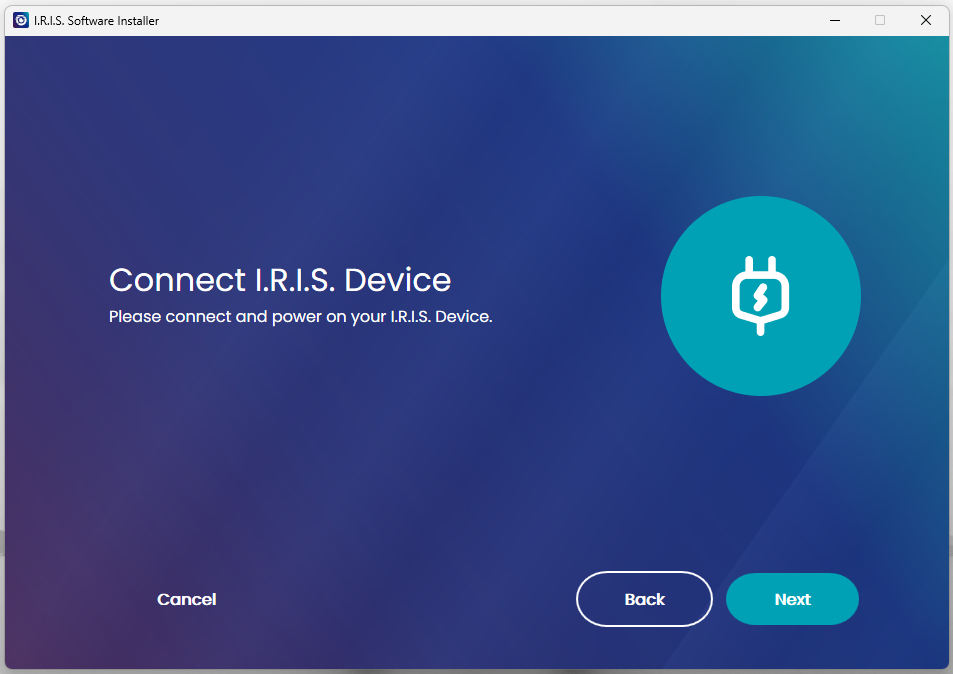
- Connect scanner via USB cable when prompted.
- The software will detect the device.
3
Select
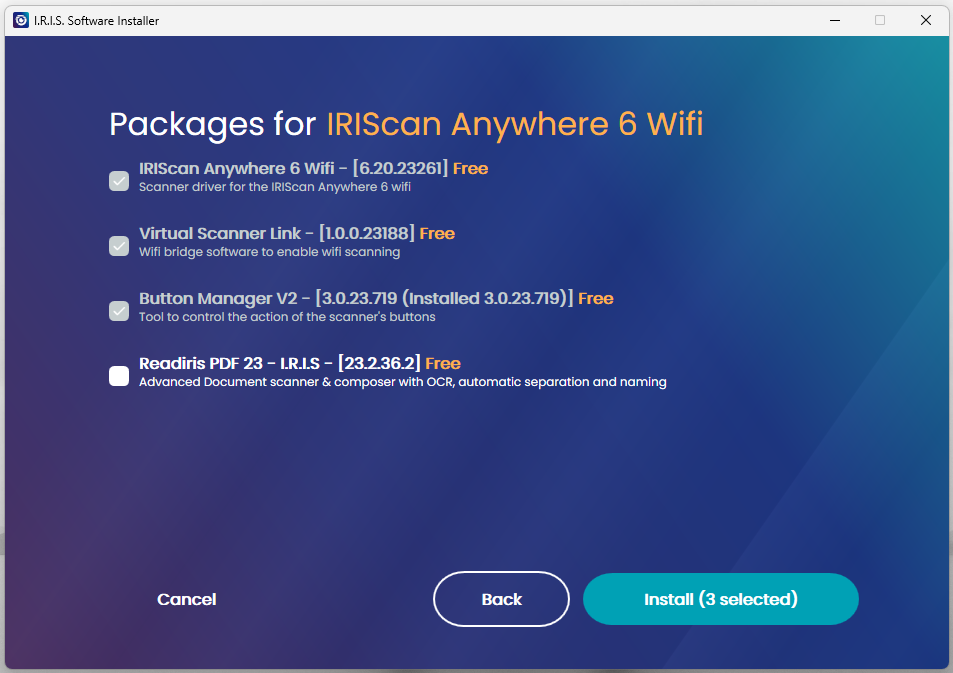
- Select Driver (Required).
- Select Button Manager & Readiris PDF 23.
4
Finish
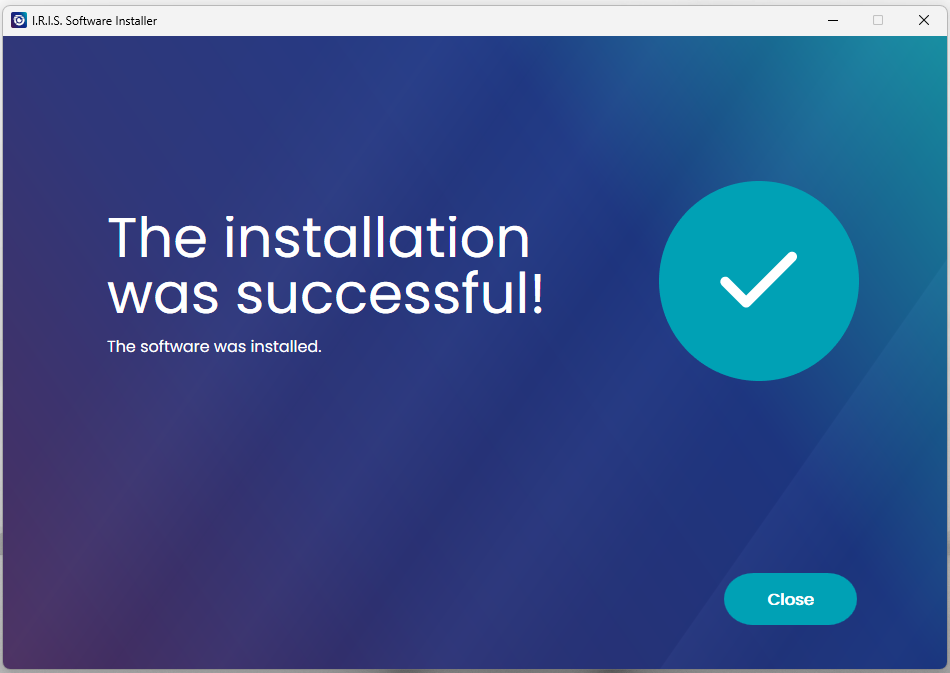
- Click Close.
- Restart your computer if asked.
How to Scan
Scanning a single page document.
1
Connect
- Connect the Micro-USB cable to the scanner.
- Plug the other end into your PC.
2
Load Paper
- Insert document Face Up.
- Align to the Left Edge.
- Adjust the guide to the right edge.
- Gently push until the scanner grabs it.
3
Start Scan
Initiate scan from:
- Physical Button (if Button Manager is running) or Button Manager software
- Readiris PDF 23
- Capture tool software
Check out our official YouTube channel for all tutorials.
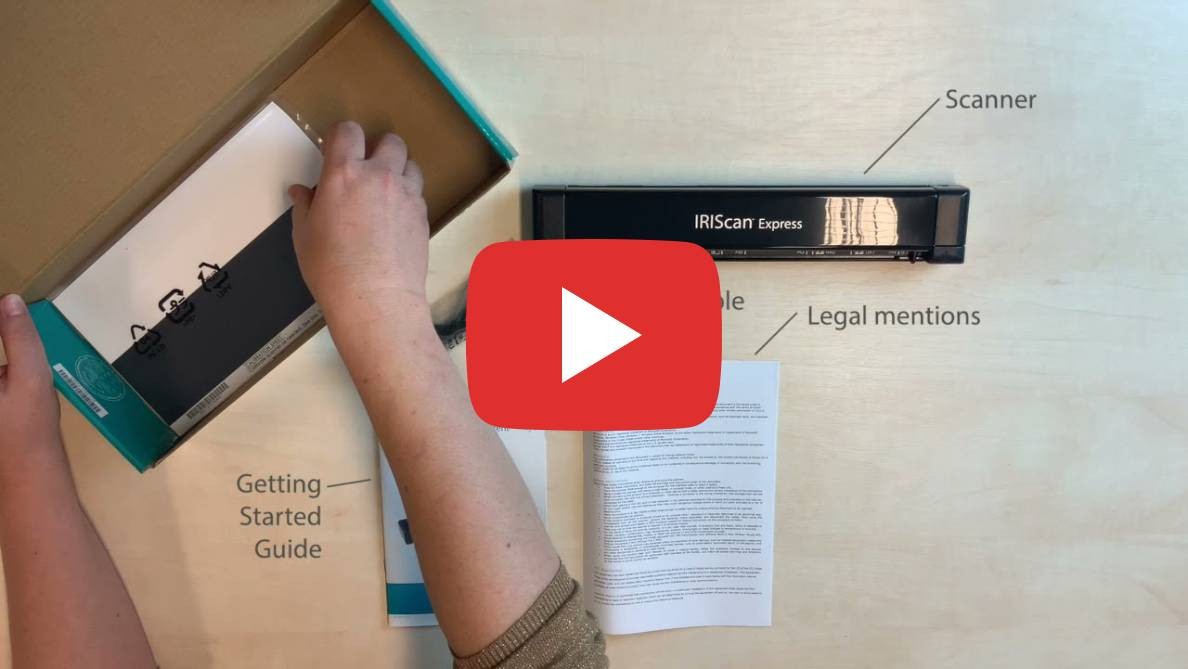
Unboxing & Content
Product Discovery
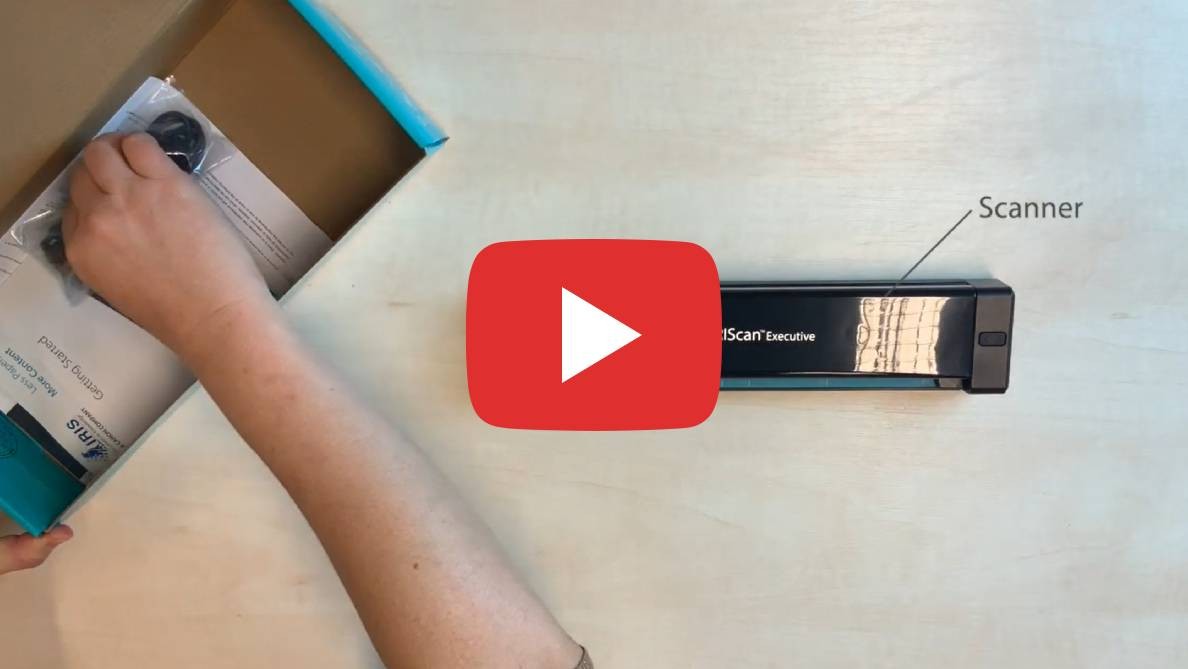
Unboxing

Discovery

How to use Button Manager
Select your product and language
Windows® Software Requirements
- OS: Windows® 7, 8, 10, 11
- RAM: 1 GB (2 GB recommended)
- Hard Disk: 1 GB free space
- Connectivity: Internet connection required for activation