USA
USA Kanada
 Brasilien
 Südamerika
 België
 Deutschland
 España
 Frankreich
 Italia
 Niederländisch
 Portugal
 Vereinigtes Königreich
 Andere europäische Länder
 Australien
 China
China Hongkong
 Japan
Japan Singapur
 Südkorea
Produkt-Support-Center
Finden Sie Treiber, Handbücher, Tutorials und FAQs für Ihren Dokumentenscanner.
Unterstützte Produkte:
- IRIScan Pro 5
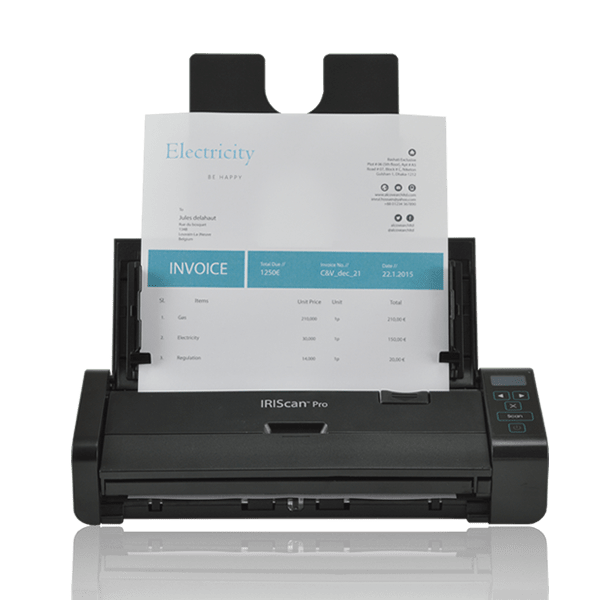
All-in-One-Installationsprogramm
Software herunterladen
Enthält Scannertreiber (Twain), Button Manager und Readiris PDF 23 IRIS.
Kompatibel mit: Windows 10, 11 & macOS 12+
Nur Basistreiber (ohne Software):
Software-Installation
Befolgen Sie diese Schritte, um Treiber und Anwendungen zu installieren.
1
Starten
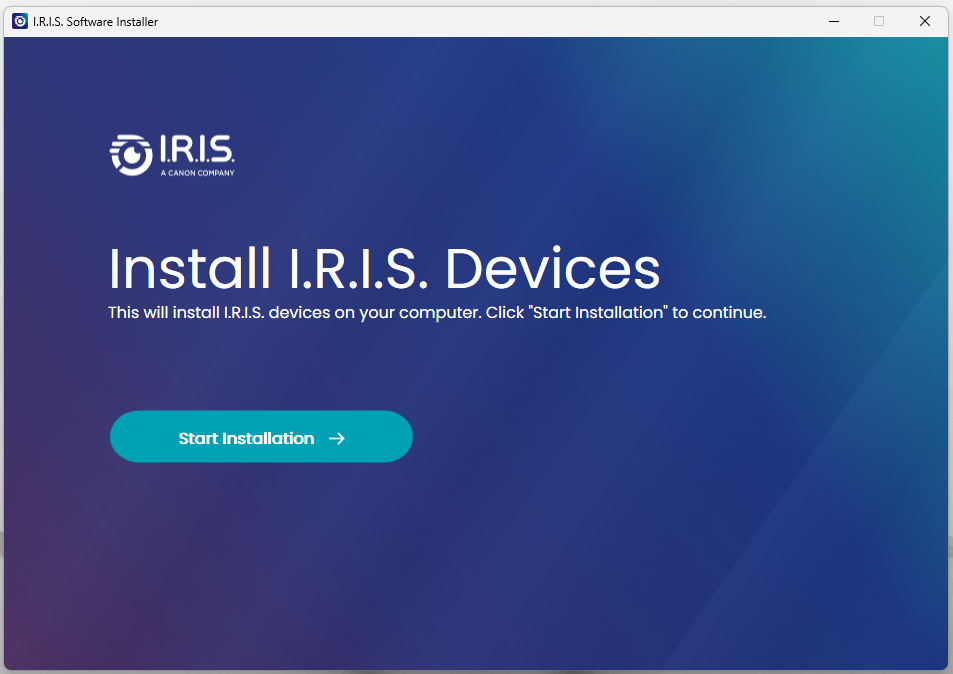
- Führen Sie den heruntergeladenen IRIS-Installer aus.
- Klicken Sie auf "Installation starten".
2
Verbinden
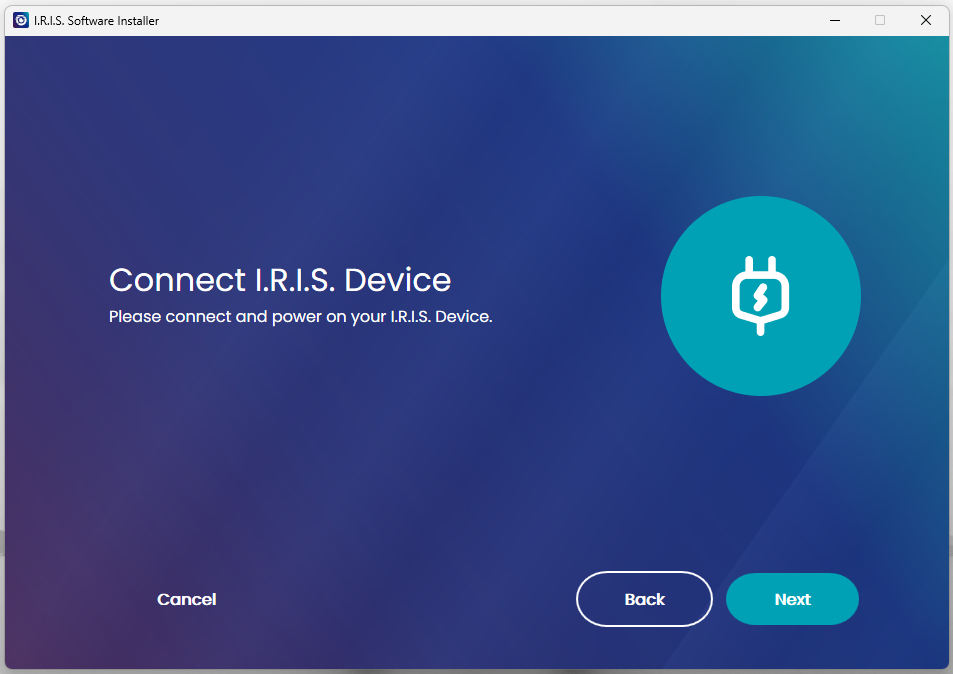
- Schließen Sie den Scanner bei Aufforderung über das USB-Kabel an.
- Die Software erkennt das Gerät.
3
Auswählen
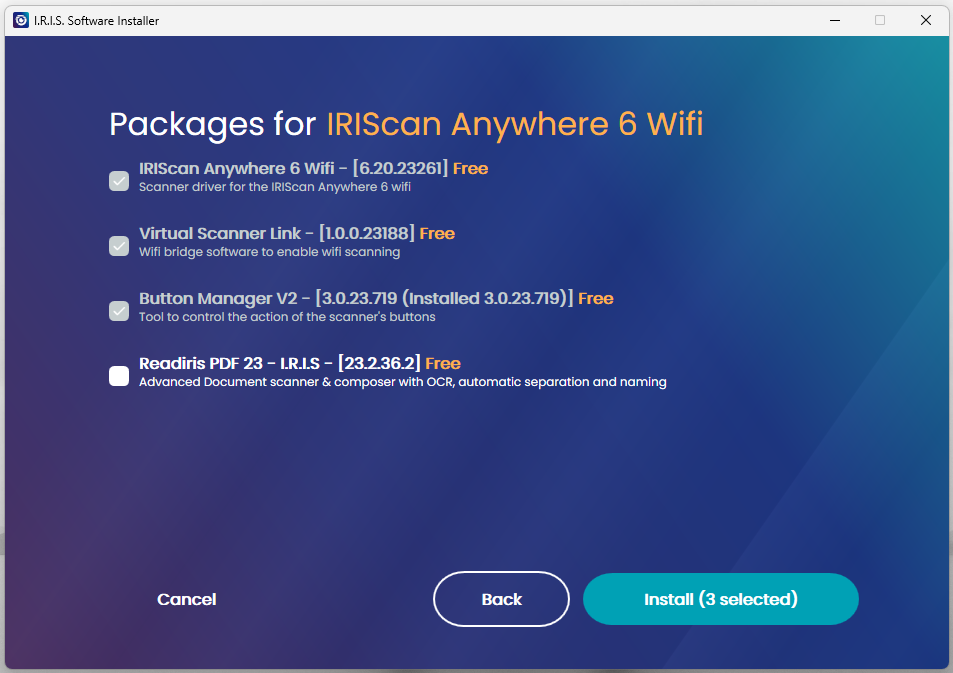
- Wählen Sie Treiber (Erforderlich).
- Wählen Sie Button Manager (Win) & Readiris PDF 23.
4
Fertigstellen
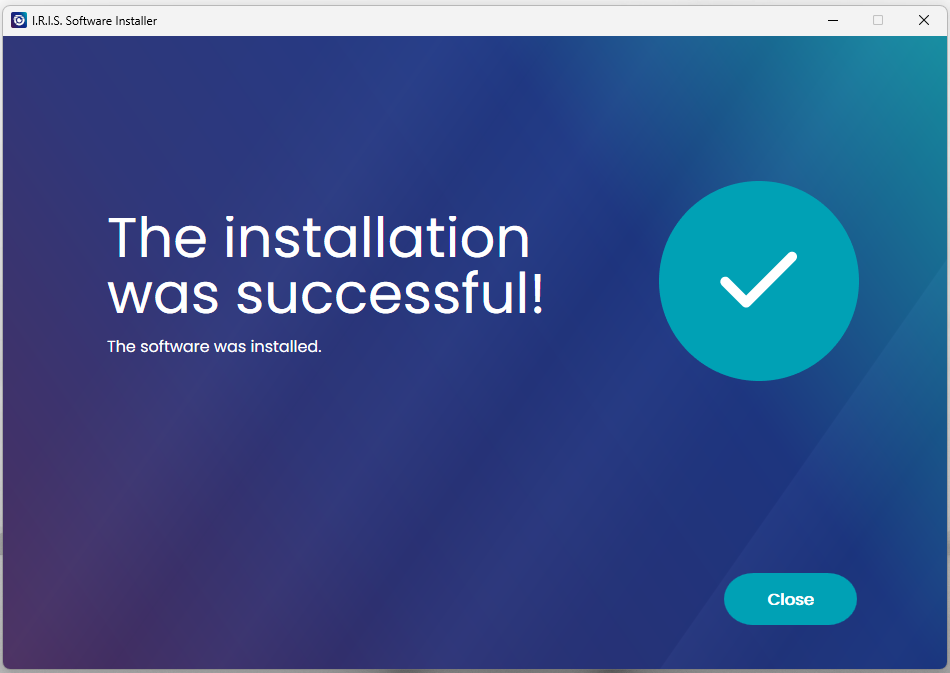
- Klicken Sie auf Schließen.
- Starten Sie Ihren Computer neu, falls gefordert.
Scannen
Verwendung des automatischen Dokumenteneinzugs (ADF).
1
Einschalten
- Schließen Sie das Netzteil an.
- Verbinden Sie das USB-Kabel mit dem PC.
- Drücken Sie die Ein-/Aus-Taste.
2
Papier einlegen
- Öffnen Sie das Zufuhrfach.
- Stapel Vorderseite nach unten einlegen.
- Oberkante zuerst einführen.
3
Scan starten
Scan starten über:
- Readiris PDF 23
- Capture Tool
- Button Manager
(Siehe Video-Tutorial unten)
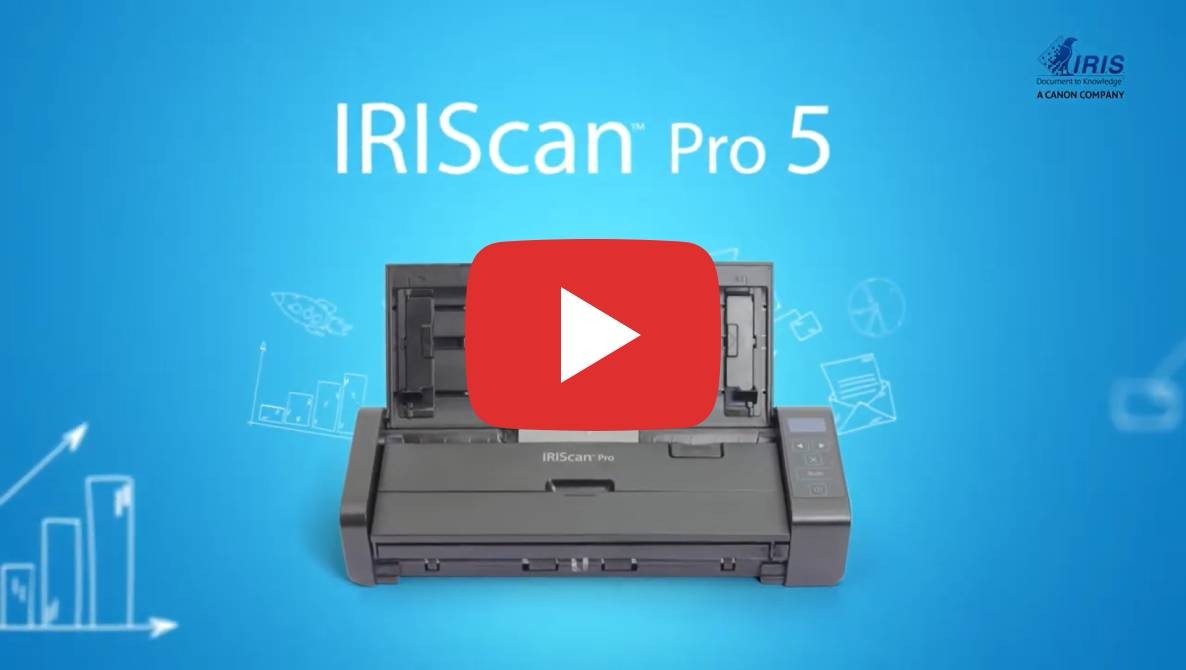
IRIScan Pro 5 Entdecken
Promo-Video und Übersicht.
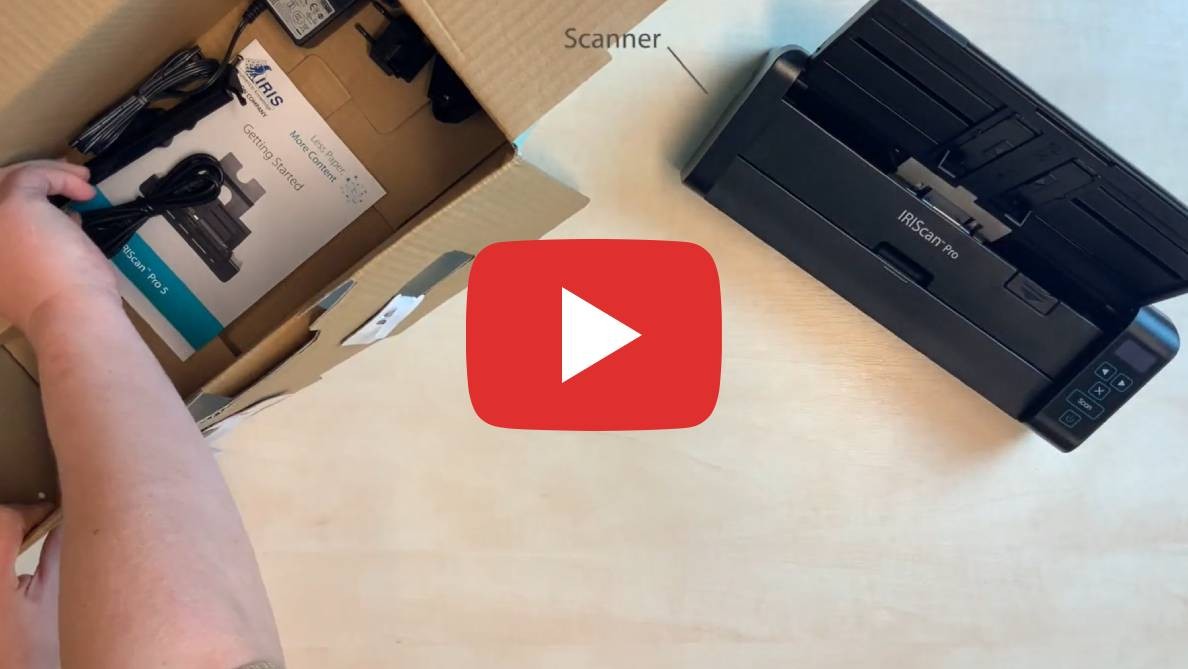
Auspacken
Sehen Sie, was in der Box ist.

Button Manager
So konfigurieren Sie die Scannertasten.
Wählen Sie Ihr Produkt und Ihre Sprache
Scanner Spezifikationen
| Bildsensor | A4 Farb-Kontaktsensor (CIS) |
|---|---|
| Auflösung | Bis zu 600 dpi |
| Geschwindigkeit | 23 PPM / 46 IPM |
| Einzugskapazität | 20 Blatt (ADF) |
| Tägliches Scanvolumen | 1000 Seiten |
| Konnektivität | USB 2.0 |
Systemanforderungen
- Windows: 10 oder 11
- macOS: 12 oder höher (M1/M2/Intel)
- RAM: 1GB minimum
- Festplatte: 2GB freier Speicher