United states
 Canada
 Brazil
 America Latina
 België
 Deutschland
 España
 France
 Italia
 Nederland
 Portugal
 United Kingdom
 Other European countries
 Australia
 China
China Hong Kong
 Japan
Japan Singapore
 South Korea
Product Support Center
Find the technical support you need for your product: getting started, software downloads, user manuals, and FAQs.
Supported Products:
- Readiris 17 Pro
- Readiris 17 Corporate
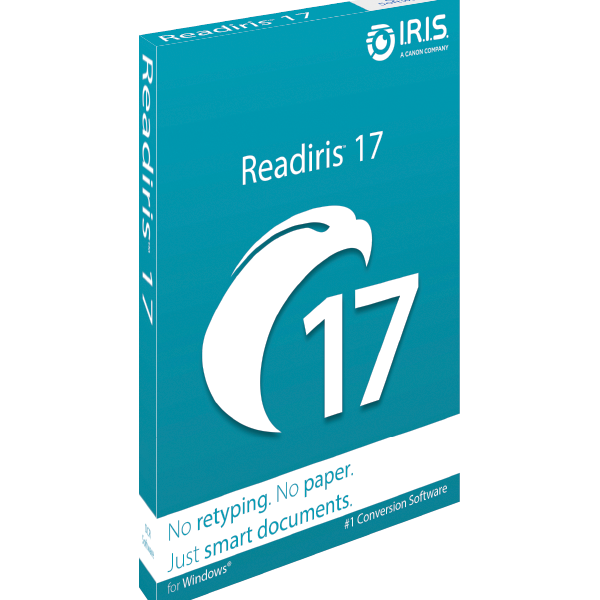
Legacy Version 17
Download Software
Select your operating system to begin.
Windows Users: Readiris 17 requires the .NET Framework 3.5 to be active on your PC. Learn how to activate it here.
Mac Users: Readiris 17 is Intel-based. It runs on Apple Silicon via Rosetta 2, but you may see macOS compatibility warnings.
File Size: ~450 MB
Latest Version: 17.4.192
Installation Process
Follow these easy steps to get started.
1
Download
- Click the Download button above matching your OS.
- Wait for the file to save to your computer.
2
Install
- Double-click the downloaded file.
- Follow the on-screen instructions.
- Accept the license agreement.
3
Activate
- Launch Readiris 17.
- Enter the Activation Code received by email.
- Click Activate.
4
Enjoy
- You are ready to go!
- Check the tutorials below to learn how to use the software.
Discover the most important features. View all videos on our official YouTube channel.
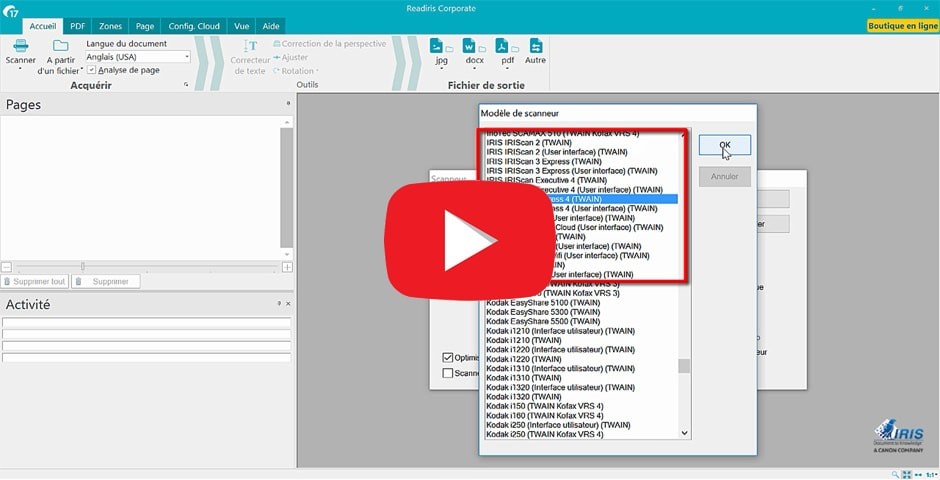
How to Install Readiris 17
Setup your Scanner
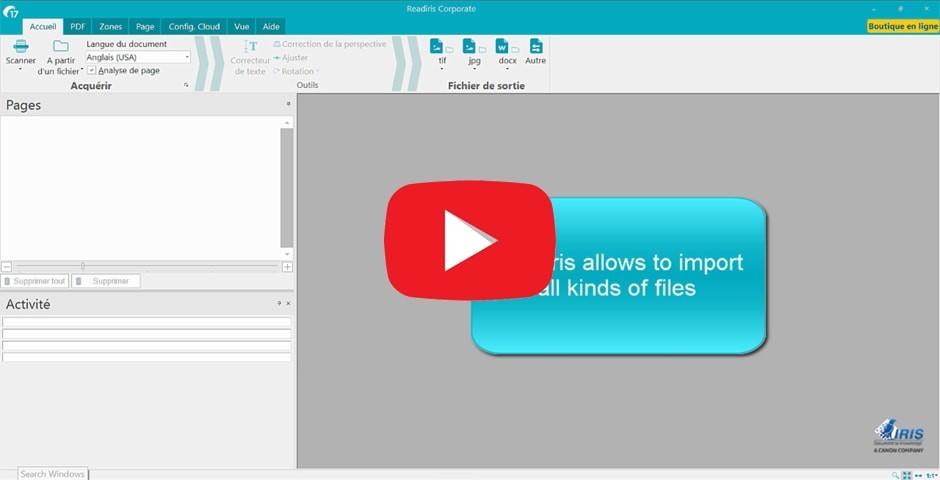
Multi-format Import
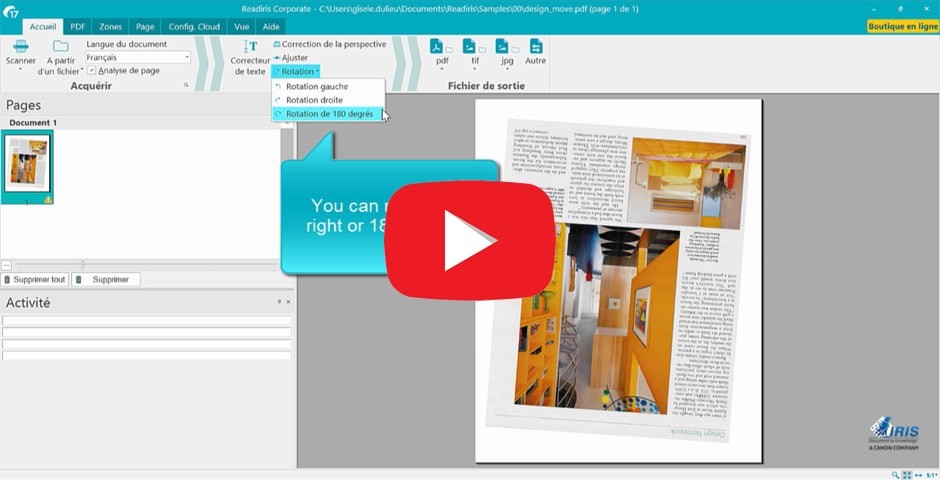
Automatic Image Correction
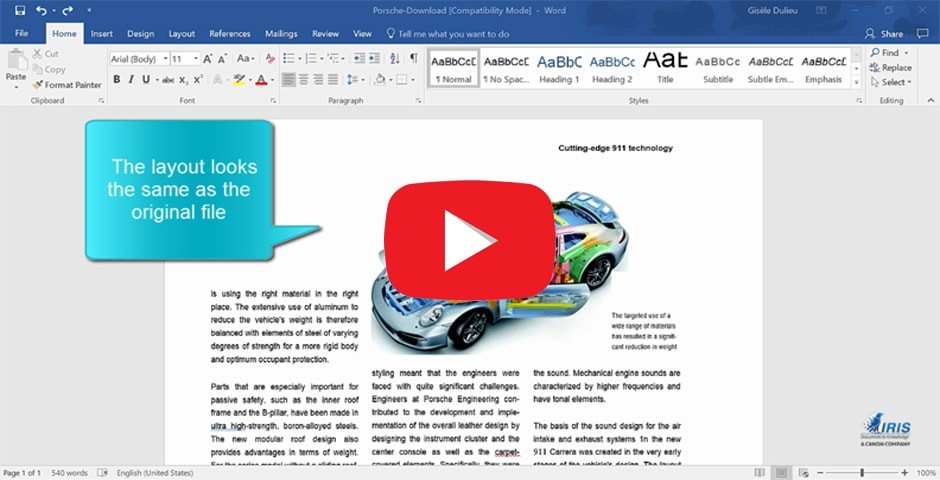
Convert to Word
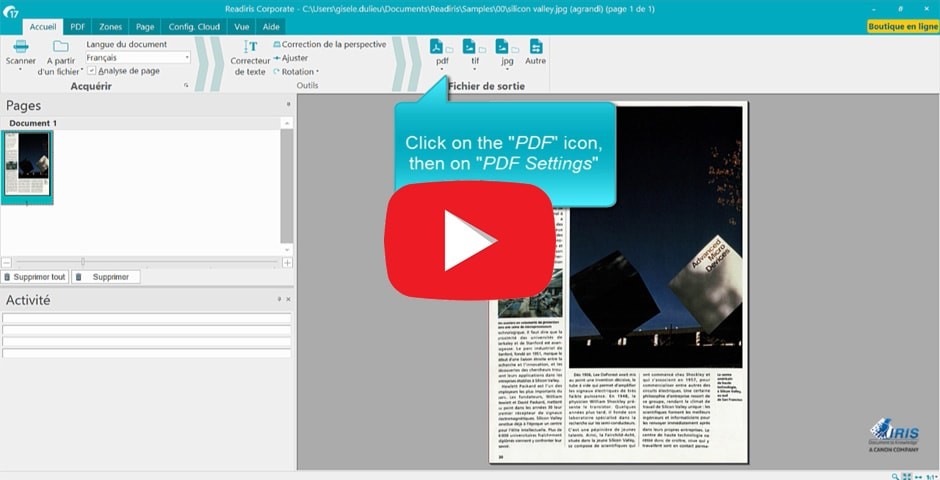
Convert to PDF
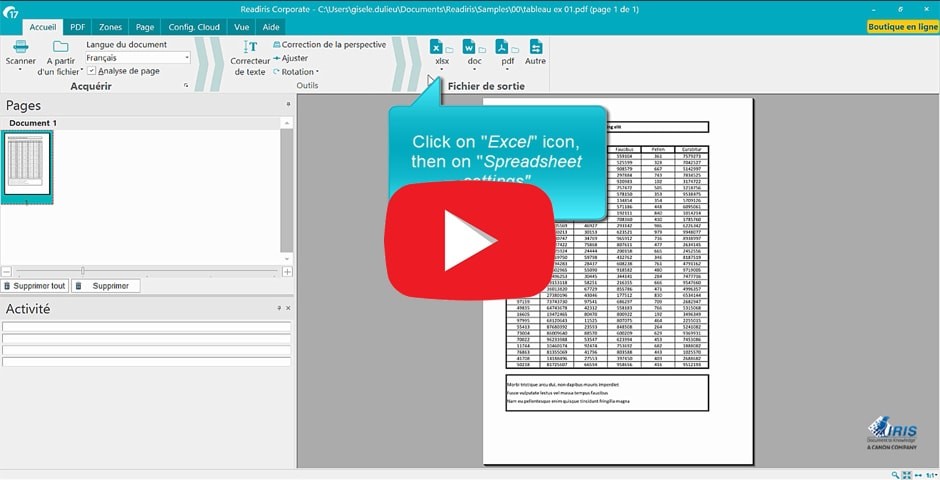
Convert to Excel
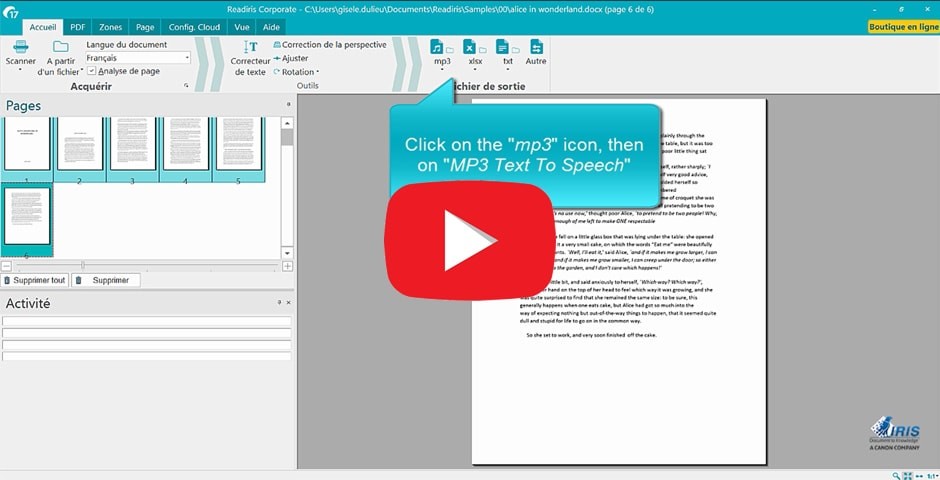
Convert to Audio (MP3/WAV)
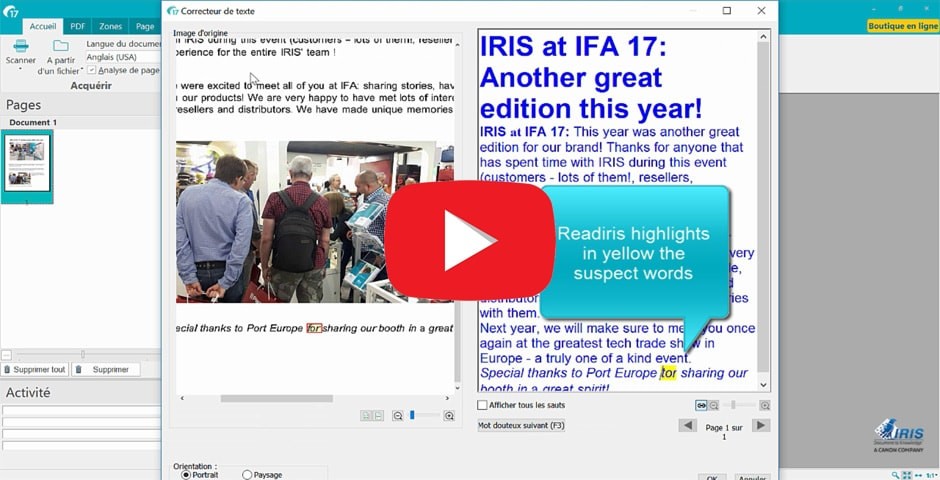
Text Correction inside Readiris
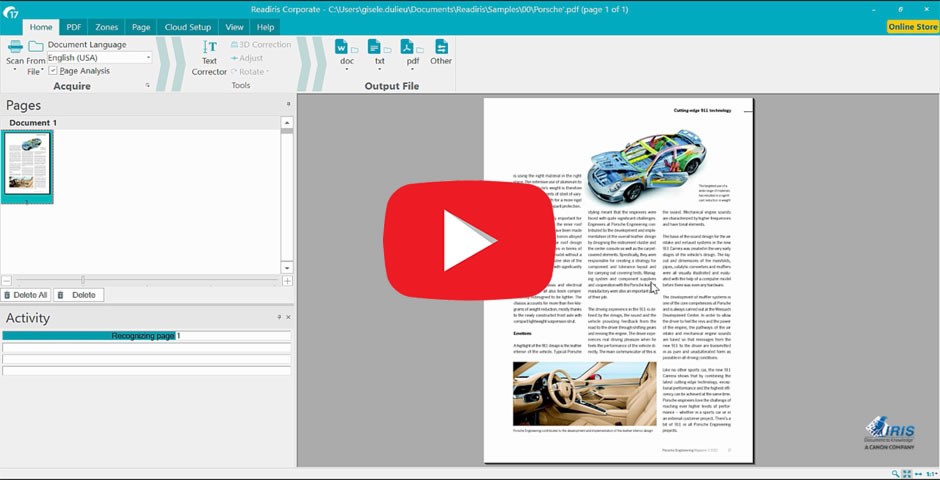
Edit a PDF
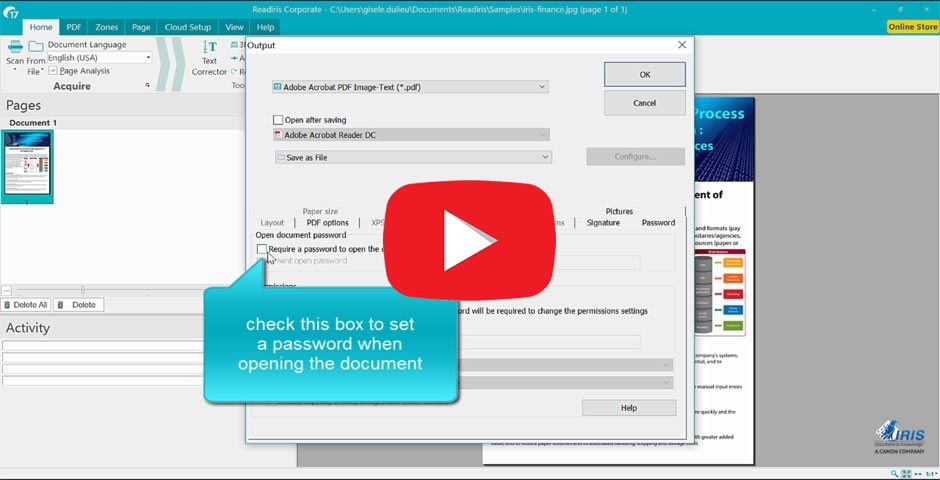
Protect and Sign a PDF
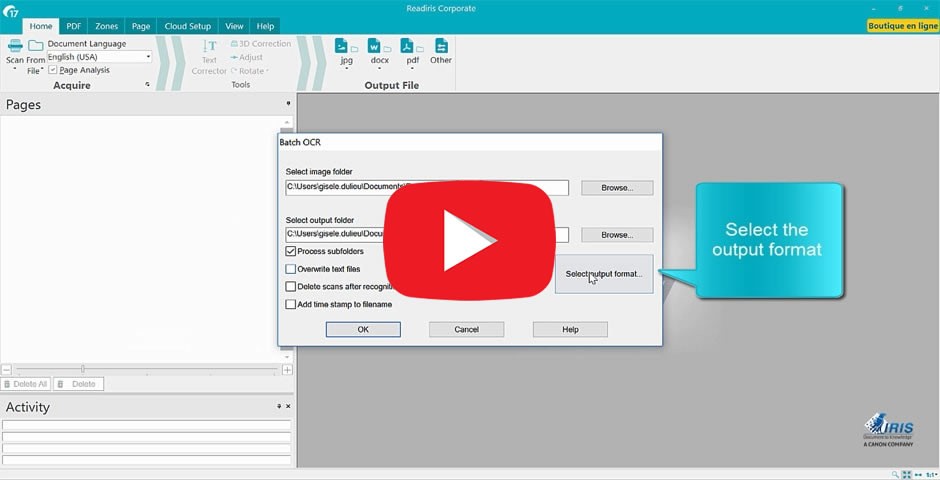
Batch Conversion (Corporate)
How to Install Readiris 17 (Mac)
Setup your Scanner (Mac)
Multi-format Import (Mac)
Automatic Image Correction (Mac)
Convert to Word (Mac)
Convert to PDF (Mac)
Convert to Excel (Mac)
Convert to Audio (Mac)
Text Correction (Mac)
Edit a PDF (Mac)
Protect and Sign a PDF (Mac)
Batch Conversion (Mac Corporate)
Access Documentation (PDF)
Our comprehensive user guides for Readiris 17 are available in multiple languages.
Windows® Requirements
- OS: Windows® 7, 8, 10, 11
- CPU: 1.5 GHz or higher
- RAM: 1 GB (2 GB Recommended)
- Hard Disk: 500 MB free space
- Note: Requires .NET Framework 3.5 to be active
- Connectivity: Internet connection required for activation
macOS® Requirements
- OS: macOS 10.11 up to macOS 14
- Chip: Intel-based (runs on Apple Silicon via Rosetta 2)
- RAM: 1 GB (2 GB Recommended)
- Hard Disk: 500 MB free space
- Connectivity: Internet connection required for activation
Language Support
Interface: English, Spanish, French, Russian, Simplified/Traditional Chinese, Korean, Japanese, Italian, Polish, Dutch, German, Arabic, Danish, Finnish, Hungarian, Norwegian, Portuguese, Romanian, Swedish, Bulgarian, Catalan, Czech, Greek, Hebrew, Turkish.
OCR Recognition: Over 130 languages supported.