United states
 Canada
 Brazil
 America Latina
 België
 Deutschland
 España
 France
 Italia
 Nederland
 Portugal
 United Kingdom
 Other European countries
 Australia
 China
China Hong Kong
 Japan
Japan Singapore
 South Korea
End of Life Product
This product, IRIScan Mouse, is in its end-of-life phase and will no longer receive software updates.
Note: macOS compatibility is strictly limited up to version 10.14 (Mojave).

Legacy Support Center
Scan any document, newspaper, or picture with a swipe of your mouse.
Supported Products:
- IRIScan Mouse 2 Executive
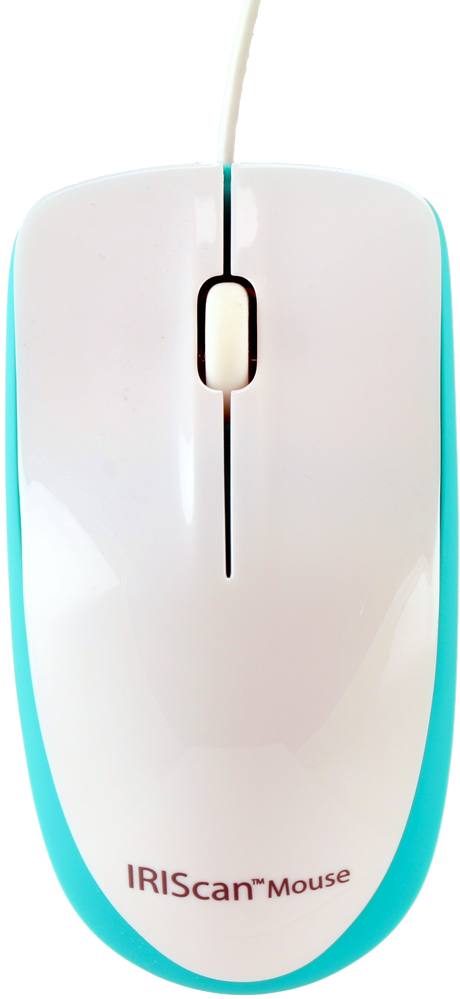
Last Chance to Buy!
We have limited stock available for IRIScan Mouse (first generation). Grab one of the last remaining factory-new units for your legacy setup or Windows PC.
No further software updates will be released.
Download Software & Drivers
Get the necessary software to run your IRIScan Mouse.
Note: Limited support for newer OS versions. No updates planned.
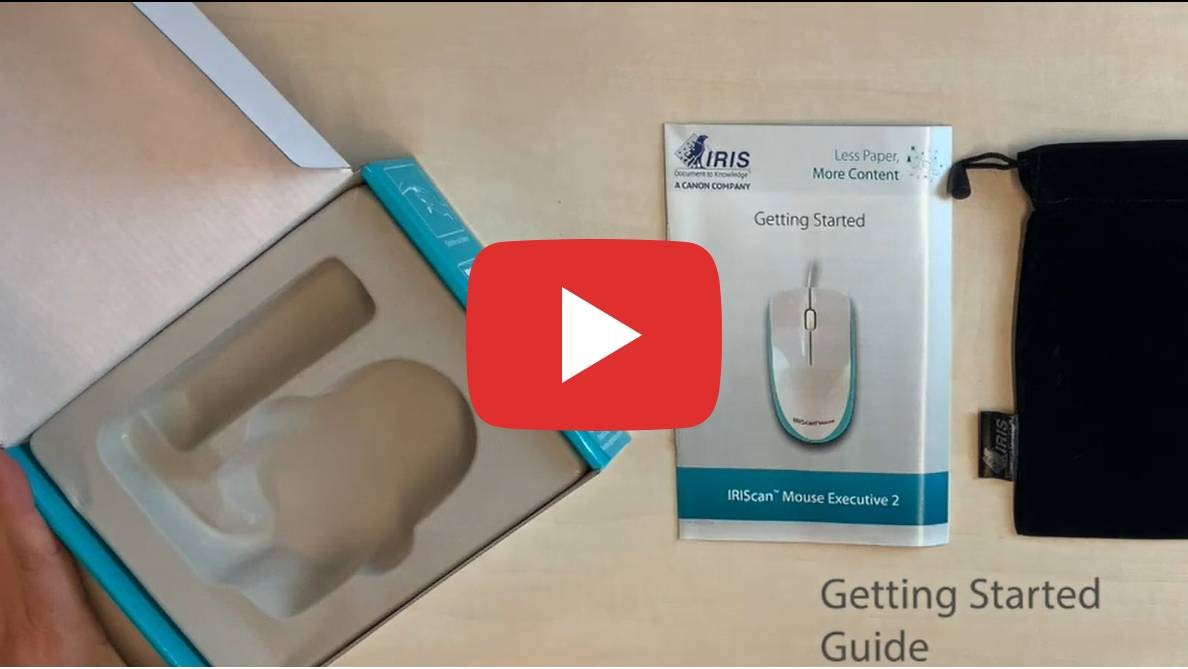
Getting Started
How to set up your mouse scanner.
Connect
- Plug the IRIScan Mouse into a free USB 2.0 port.
- Ensure your computer is connected to the internet.
Install
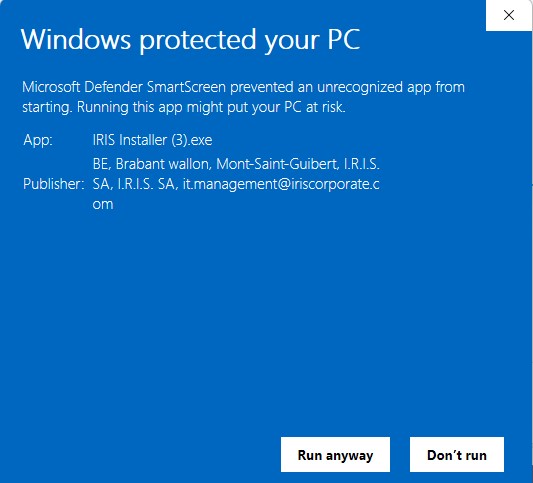
- Download the legacy driver from the links above.
- Run the installer and follow the instructions.
- Enter activation code if prompted.
Scan
- Press the dedicated Scan Button on the side of the mouse.
- Swipe over the document to capture.
- Press again to finish.

Select your product and language
| Feature | Specification |
|---|---|
| Scanning technology | Slam Scan |
| Sensor | Laser sensor (1200 dpi) |
| Scan Resolution | Up to 400 DPI |
| Coverage Area | Up to A3 (depending on computer performance) |
| Export Formats | PDF / JPG / TIFF / BMP / PNG / XLS / DOC |
| Connectivity | USB 2.0 |
System Requirements
- Windows: 7, 8, 10, 11 (Intel Core 2 Duo, 2GB RAM)
- macOS: 10.12 up to 10.14 (NOT Compatible with Catalina 10.15 and above)
- Hard Disk: 1 GB free space