Stati Uniti
 Canada
 Brasile
 America Latina
 België
 Germania
 España
 Francia
 Italia
 Paesi Bassi
 Portogallo
 Regno Unito
 Altri paesi europei
 Australia
 Cina
Cina Hong Kong
 Giappone
 Singapore
 Corea del Sud
Centro di Supporto Prodotti
Trova driver, manuali, tutorial e FAQ per il tuo scanner documentale.
Prodotti supportati:
- IRIScan Pro 5
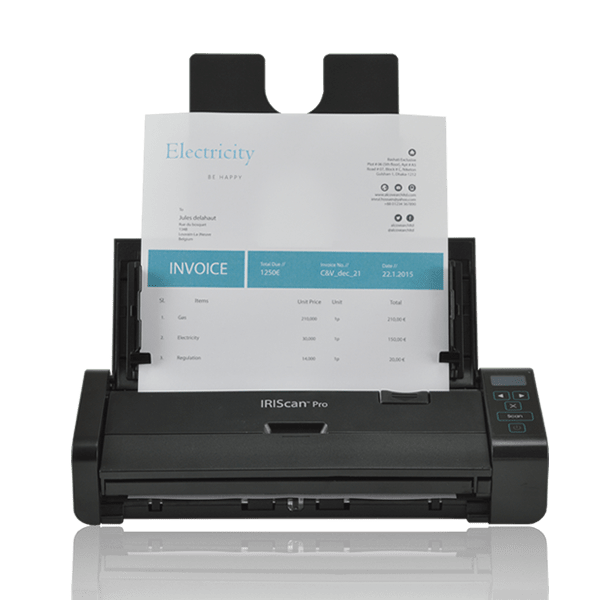
Programma di installazione All-in-One
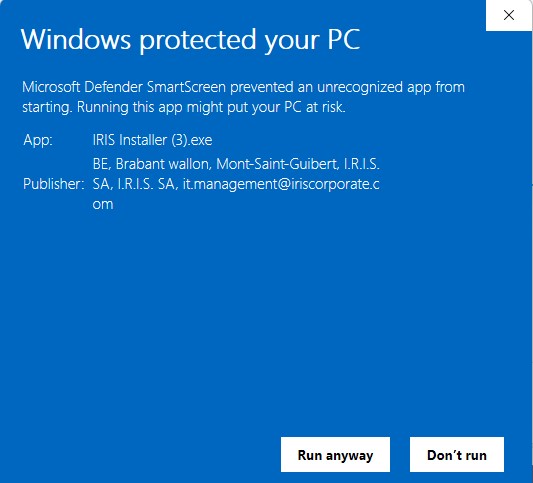
Scarica Software
Include Driver dello Scanner (Twain), Button Manager , e Readiris PDF 23 IRIS.
Compatibile con: Windows 10, 11 & macOS 12+
Solo driver di base (senza software):
Installazione Software
Segui questi passaggi per installare il driver e le applicazioni.
1
Avvia
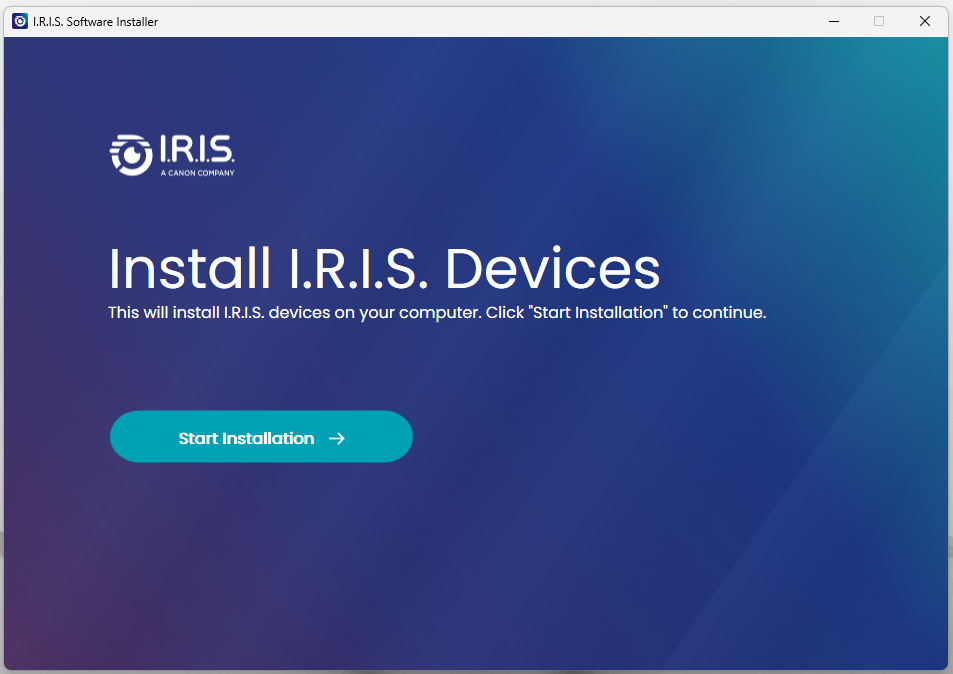
- Esegui il file IRIS Installer scaricato.
- Clicca su "Start Installation".
2
Collega
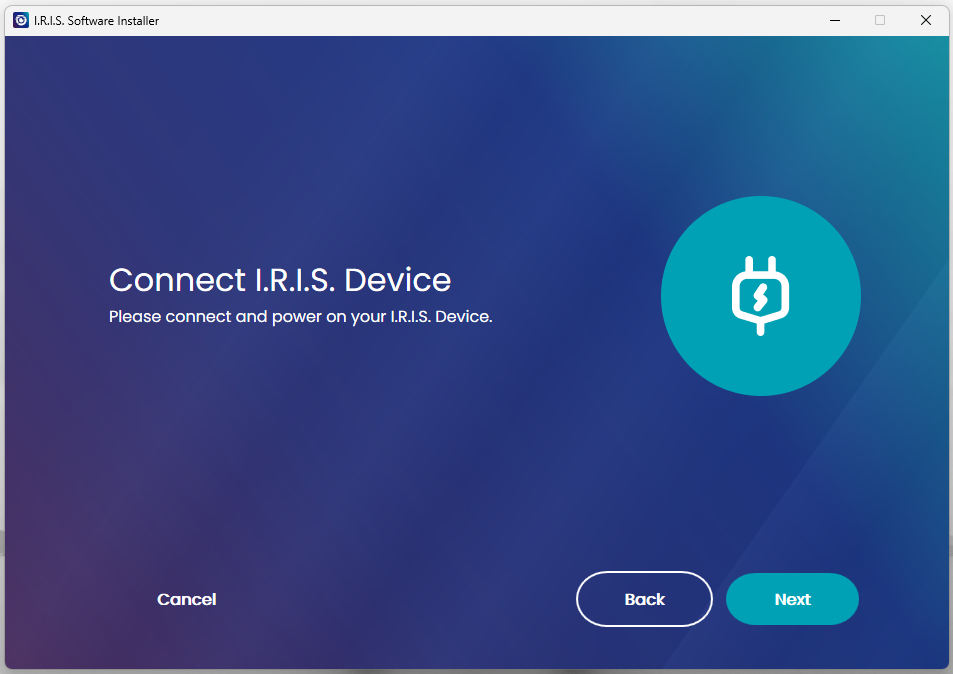
- Collega scanner tramite cavo USB quando richiesto.
- Il software rileverà il dispositivo.
3
Seleziona
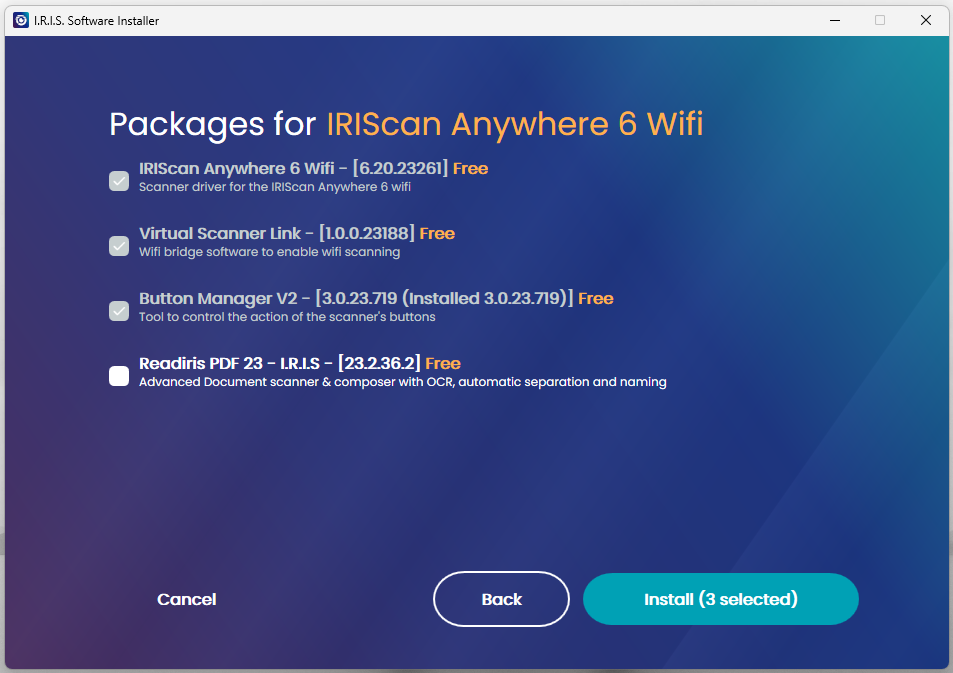
- Seleziona Driver (Obbligatorio).
- Seleziona Button Manager (Win) & Readiris PDF 23.
4
Fine
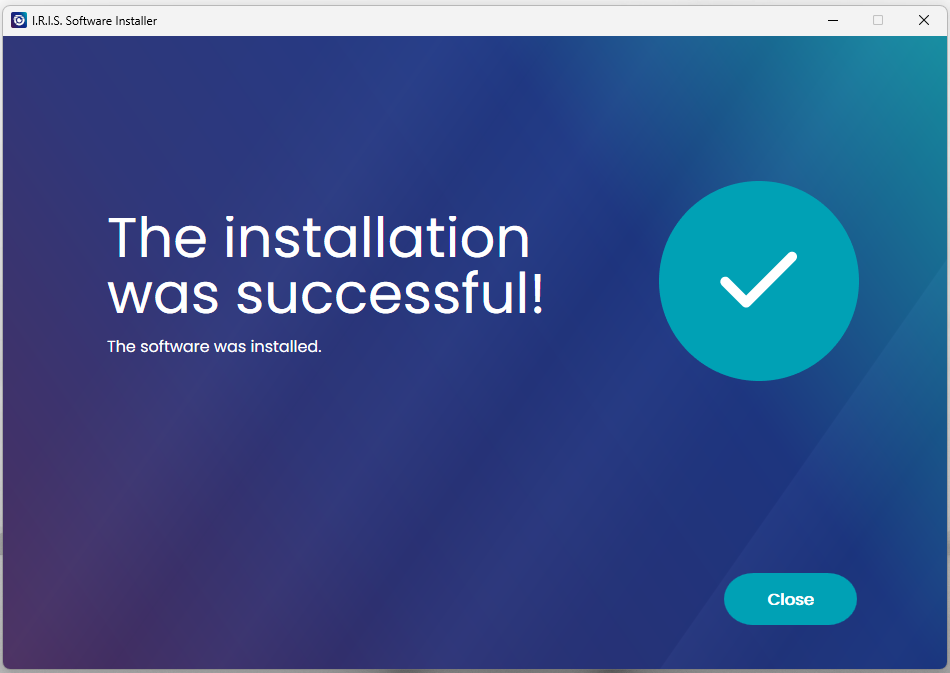
- Clicca su Close.
- Riavvia il computer se richiesto.
Come Scansionare
Utilizzo dell'Alimentatore Automatico di Documenti (ADF).
1
Accensione
- Collega l'Adattatore AC.
- Collega il Cavo USB al PC.
- Premi il pulsante di accensione.
2
Caricare Carta
- Apri il vassoio di alimentazione.
- Carica la pila Faccia in giù.
- Inserisci il Bordo superiore per primo.
3
Avvia Scansione
Avvia scansione da:
- Readiris PDF 23
- Capture Tool
- Button Manager
(Vedi video tutorial qui sotto)
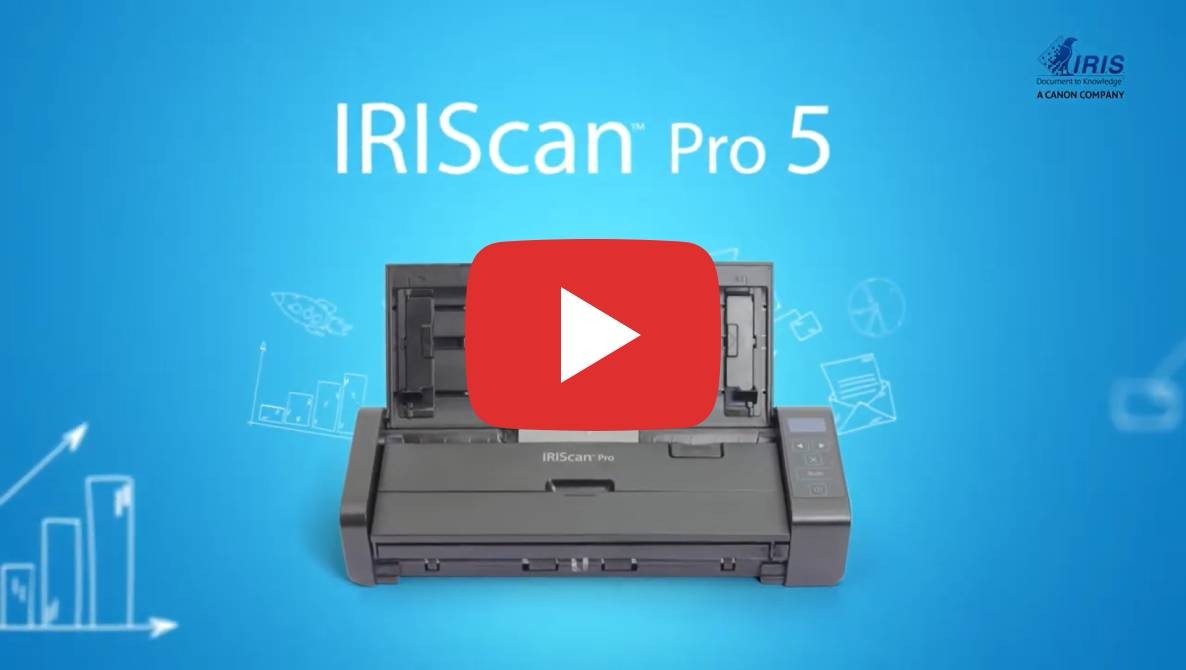
Scopri IRIScan Pro 5
Video promozionale e panoramica.
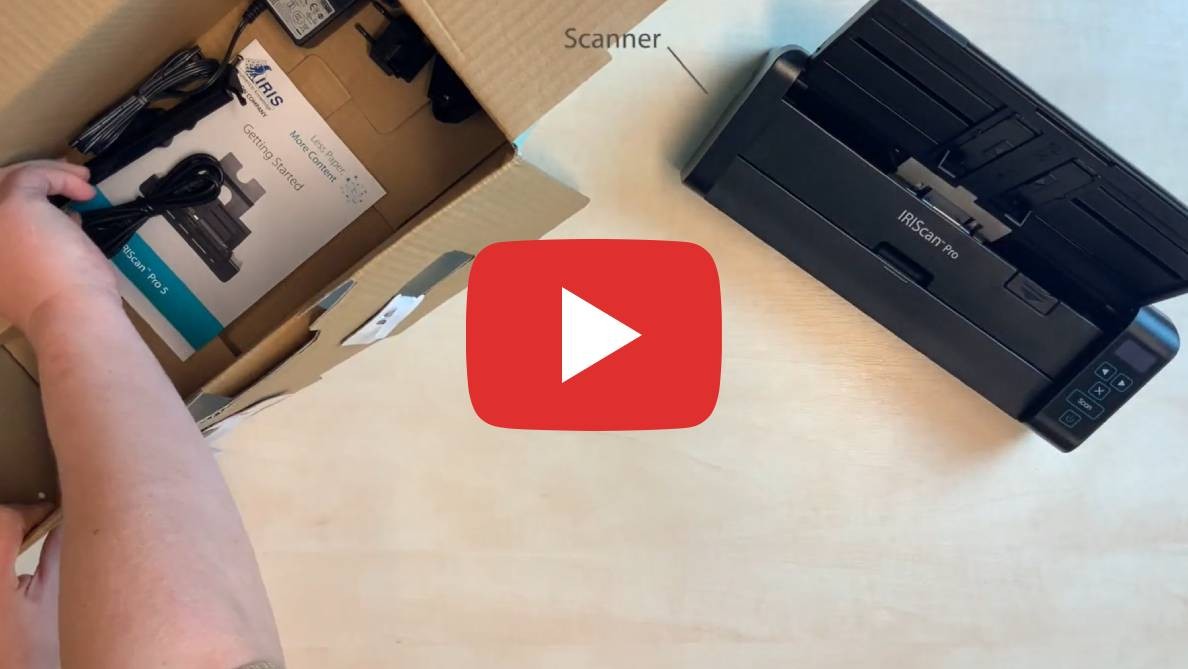
Unboxing
Vedi cosa c'è nella scatola.

Button Manager
Come configurare i pulsanti dello scanner.
Seleziona il prodotto e la lingua
Specifiche Scanner
| Sensore Immagine | Sensore colore A4 (CIS) |
|---|---|
| Risoluzione | Fino a 600 dpi |
| Velocità | 23 PPM / 46 IPM |
| Capacità Alimentatore | 20 pagine (ADF) |
| Ciclo Giornaliero | 1000 pagine |
| Connettività | USB 2.0 |
Requisiti di Sistema
- Windows: 10 o 11
- macOS: 12 o superiore (M1/M2/Intel)
- RAM: 1GB minimo
- Disco Rigido: 2GB spazio libero