États-Unis
 Canada
 Brésil
 Amérique latine
 België
 Allemagne
 Espagne
 France
 Italie
 Pays-Bas
 Portugal
 Royaume-Uni
 Autres pays européens
 Australie
 Chine
Chine Hong Kong
 Japon
Japon Singapour
 Corée du Sud
Produit en fin de vie
Ce produit, IRIScan Mouse, est en fin de vie et ne recevra plus de mises à jour logicielles.
Remarque : La compatibilité macOS est strictement limitée jusqu'à la version 10.14 (Mojave).

Centre de support (Anciens produits)
Numérisez n'importe quel document, journal ou photo d'un simple glissement de souris.
Produits pris en charge :
- IRIScan Mouse 2 Executive
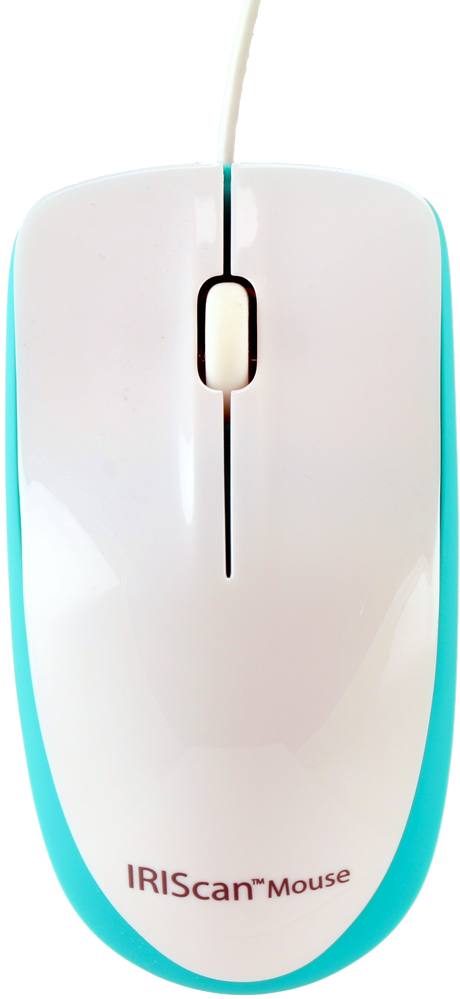
Dernière chance d'acheter !
Nous disposons d'un stock limité pour la souris IRIScan Mouse (première génération). Procurez-vous l'une des dernières unités neuves pour votre ancienne configuration ou votre PC Windows.
Aucune autre mise à jour logicielle ne sera publiée.
Télécharger les logiciels et pilotes
Obtenez les logiciels nécessaires pour faire fonctionner votre IRIScan Mouse.
Remarque : Support limité pour les versions récentes des systèmes d'exploitation. Aucune mise à jour prévue.
Premiers pas
Comment configurer votre souris scanner.
Connecter
- Branchez la souris IRIScan sur un port USB 2.0 libre.
- Assurez-vous que votre ordinateur est connecté à Internet.
Installer
- Téléchargez l'ancien pilote à partir des liens ci-dessus.
- Exécutez le programme d'installation et suivez les instructions.
- Saisissez le code d'activation si on vous le demande.
Numériser
- Appuyez sur le bouton de numérisation dédié sur le côté de la souris.
- Glissez sur le document pour le capturer.
- Appuyez à nouveau pour terminer.
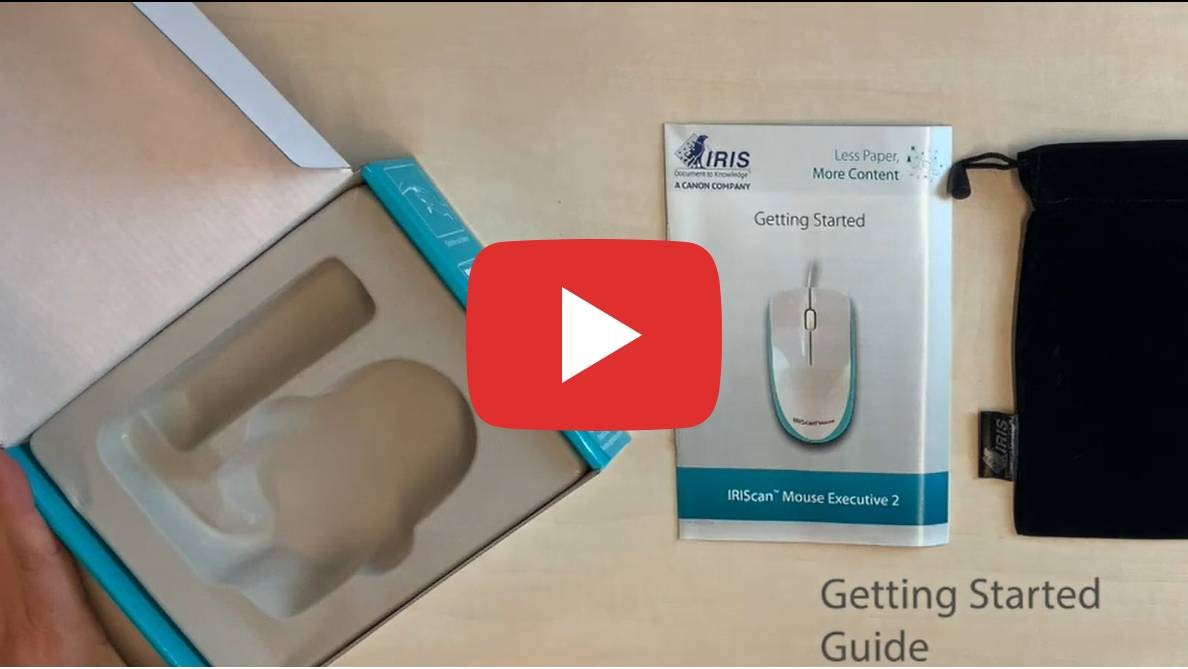

Sélectionnez votre produit et votre langue
| Caractéristique | Spécification |
|---|---|
| Technologie de numérisation | Slam Scan |
| Capteur | Capteur laser (1200 dpi) |
| Résolution de numérisation | Jusqu'à 400 DPI |
| Zone de couverture | Jusqu'au format A3 (selon les performances de l'ordinateur) |
| Formats d'exportation | PDF / JPG / TIFF / BMP / PNG / XLS / DOC |
| Connectivité | USB 2.0 |
Configuration requise
- Windows : 7, 8, 10, 11 (Intel Core 2 Duo, 2 Go de RAM)
- macOS : 10.12 jusqu'à 10.14 (NON compatible avec Catalina 10.15 et supérieur)
- Disque dur : 1 Go d'espace libre