United states
 Canada
 Brazil
 America Latina
 België
 Deutschland
 España
 France
 Italia
 Nederland
 Portugal
 United Kingdom
 Other European countries
 Australia
 China
China Hong Kong
 Japan
Japan Singapore
 South Korea
Product Support Center
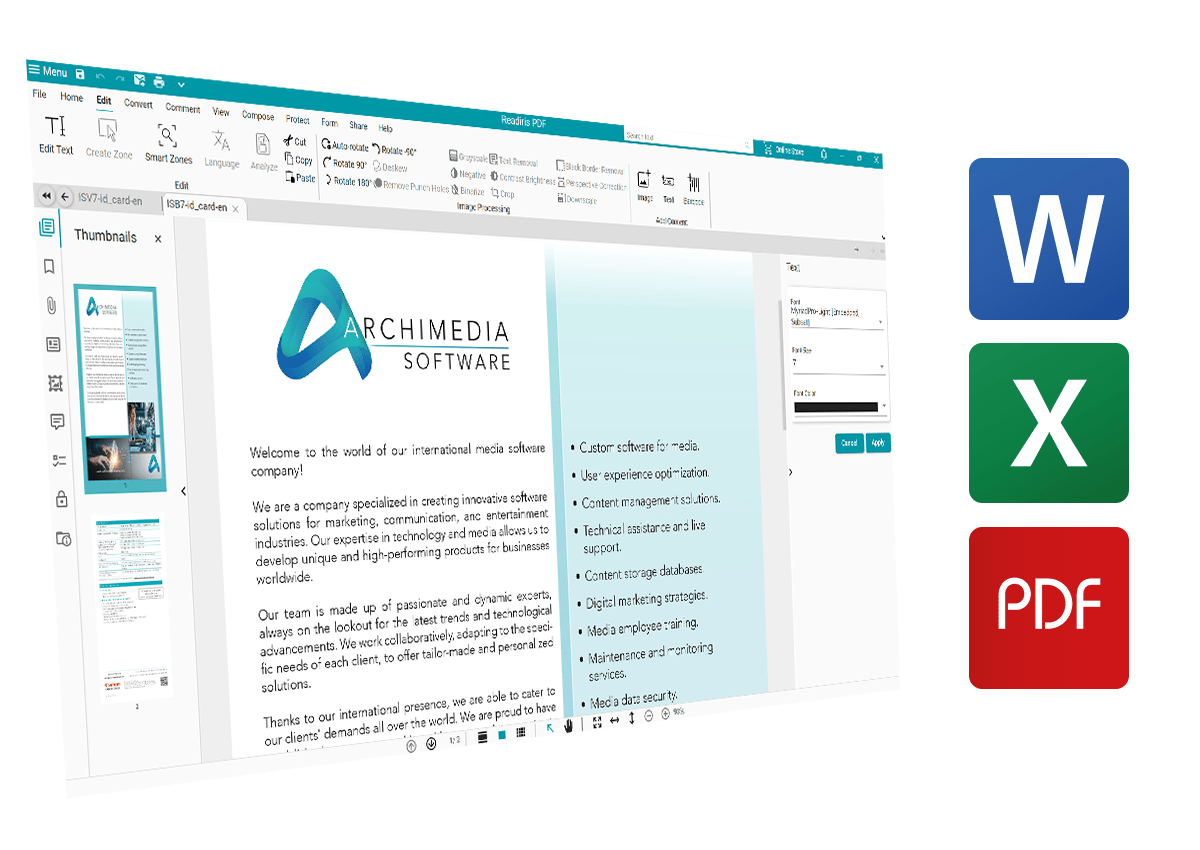
Manage, convert, edit and sign your documents with the all-in-one PDF solution.
Supported Products:
- Readiris PDF Essential
- Readiris PDF Elite
Latest Version 25
Download Software
Select your operating system to begin.
Installation Process
Follow these easy steps to get started.
1
Download
- Click the Download button above matching your OS.
- Wait for the file to save to your computer.
2
Install
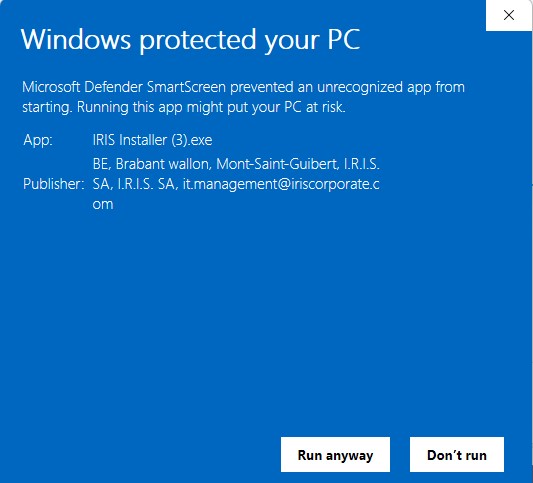
- Double-click the downloaded file.
- Follow the on-screen instructions.
- Accept the license agreement.
3
Activate
- Launch Readiris PDF 25.
- Enter the Activation Code received by email.
- Click Activate.
4
Enjoy
- You are ready to go!
- Check the tutorials below to learn how to use the software.
Check out our official YouTube channel for all tutorials.

Download, Installation & Activation

Image Processing, Separation & Naming

Scan and OCR Capabilities

Setup your Scanner

Convert to PDF

Convert to Word

Conversion optimization with zoning features

Edit a PDF
Edit a Form

Create and Sign
Manage and Share
Access Online Documentation
Our user guides are available as online websites for easy navigation.
Windows® Requirements
- OS: Windows® 10, 11
- CPU: 1.5 GHz or higher
- RAM: 8 GB
- Hard Disk: 5 GB free space
- Connectivity: Internet connection required for activation
macOS® Requirements
- OS: macOS 11 (Big Sur) and above
- Chip: Intel or Apple Silicon (M1/M2/M3)
- RAM: 8 GB
- Hard Disk: 5 GB free space
- Connectivity: Internet connection required for activation