I.R.I.S. ウェブサイト
I.R.I.S.企業向けウェブサイト
I.R.I.S.ソリューションと専門家
I.R.I.S. ICT
日本
United States
Canada
Australia
België
Belgique
Brasil
Deutschland
España
France
Italia
Korean
Nederland
Other countries
United Kingdom
日本
简体中文
香港
製品
OCR ソフトウェア
携帯スキャナ
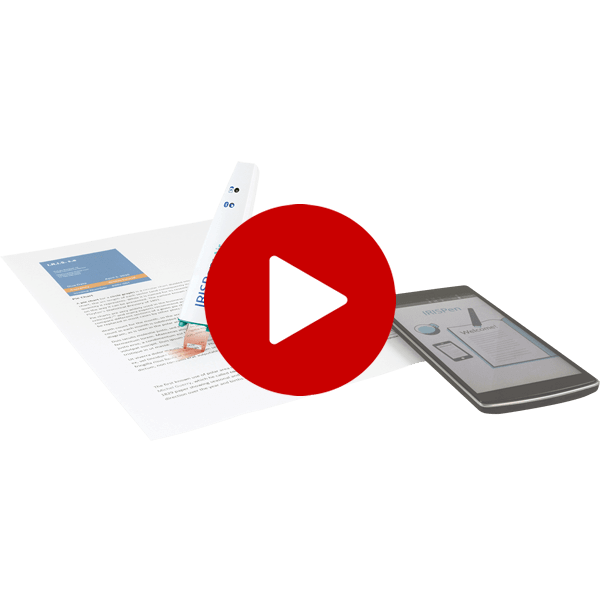
デジタルペン
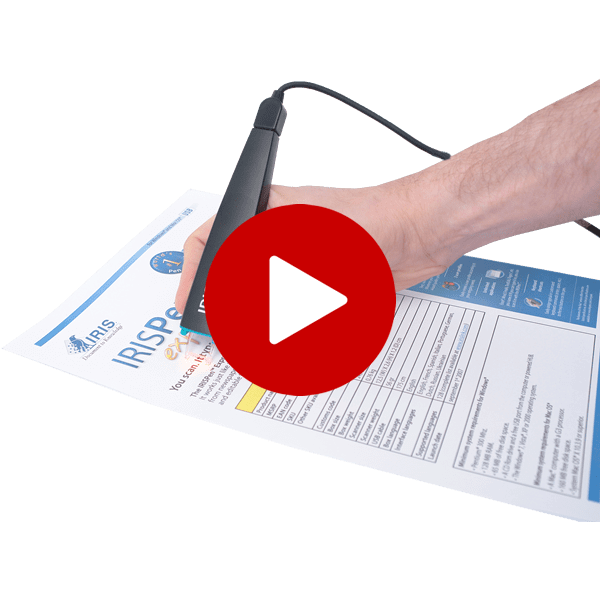
ペン型スキャナー
名刺スキャナ
PDF Compressor
Photo Scanner
OCR for iPad
Mouse Scanner
Solutions
高速スキャニングソフトウェア
ドキュメントサーバーソフトウェア
Invoice processing software
Form processing software
Connectors and System Integration
ツールキット / O.E.M.
I.R.I.S.’ hyper-compression technology
Demo
パートナー
パートナー/販売代理店所在地
再販業者/ディストリビューターになりましょう
付加価値再販業者
OEM ライセンス供与
会社情報
使命と組織
投資家の皆様へ
イベント
プレスリリース
I.R.I.S. 20 周年データブック
連絡先
IRISLink 2013
IRIS-TV
採用
サポート
技術サポート
カスタマーサービス
ショップ
OCR ソフトウェア
OCR for iPad®
PDF Compressor
ドキュメントサーバーソフトウェア
高速スキャニングソフトウェア
ペン型スキャナー
デジタルペン
携帯スキャナ
名刺スキャナ
Photo Scanner
インボイスのソリューション
Main features
Convert paper documents into editable text files
Turn all your paper documents into editable and searchable text files (DOCX, PDF,…)
Import images or PDF files
Import images from your photo library and clipboard or import PDF files from other apps
Export your files to the cloud
One click export to Dropbox, Evernote, Google Docs, …
120+ recognized languages
Readiris for iPad recognizes more than 120 languages including Chinese, Japanese & Korean
No Internet connection needed
All the processing is performed locally in your iPad. You only need to be connected to send your files to the cloud.
Export to DOCX & PDF
Convert your images & PDF files into DOCX & PDF with advanced formatting options
Full features
Get fully editable and searchable text out of your scanned documents and PDFs thanks to Readiris™ for iPad®, the most powerful OCR solution available today on the App Store!
Designed for the iPad’s multi-touch screen, Readiris™ for iPad® lets you select the content you want to convert, reorder your scanned images, choose among many output formats and export the new files into the Cloud so you can use it anywhere, anytime!
►
Extended mobile solution for scanning and document processing
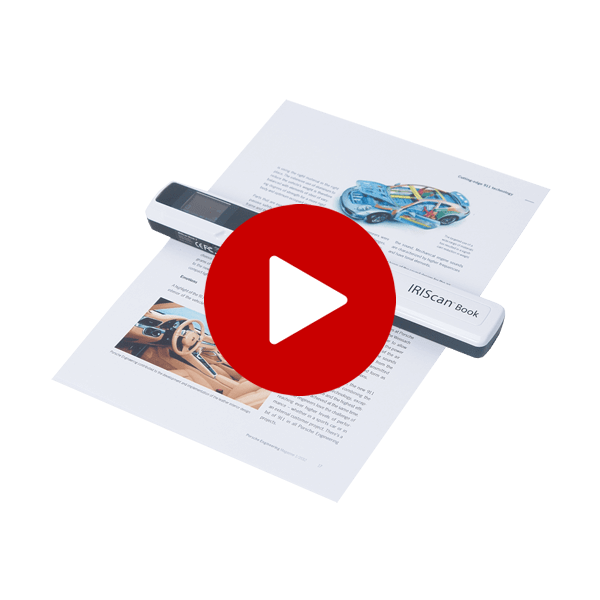
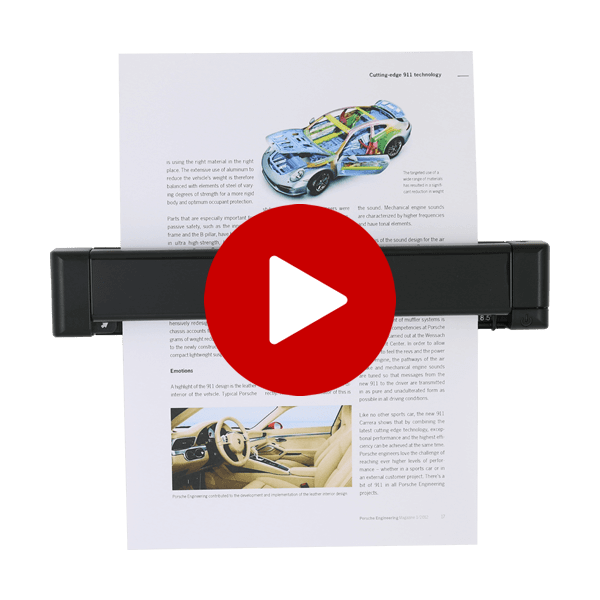
Readiris™ for iPad® is fully compatible with I.R.I.S.’ cordless mobile scanners:
IRIScan™ Anywhere 2
&
IRIScan™ Book 2
. No power supply or network connection needed: just scan, import the images into your iPad® with the Apple Camera Connection Kit™ and process them using Readiris™ for iPad®.
►
How does it work?
1. Import images from your photo library and clipboard, or import PDF files received from other apps
2. Readiris™ for iPad® automatically recognizes all text, graphics, images and tables in your documents
3. Select the content and pages you want to include in the final document.
All the processing is done on your iPad®! No WIFI or 3G connection needed (except if you want to upload your document into a Cloud storage system).
Note: Documents photographed with the iPad 2's digital camera do not produce satisfactory recognition results.
►
Features
Readiris for iPad®
Other OCR apps
on App Store*
High quality recognition and accuracy
(based on I.R.I.S.’ renowned OCR engine)
Over 120 languages recognized (including Simplified Chinese, Traditional Chinese, Japanese and Korean
)
Multipage document creation
Text zone selection and recognition at your fingertips
Automatic layout analysis
Output formats:
- Multipage PDF: image over text searchable PDF, or PDF with text and graphics
- DOCX with full layout for interactive edition on your iPad®
- DOCX with simplified layout or text-only documents
Only PDF & TXT
Single page display for content selection: a color code is used to identify the content type (text, graphics, images, tables). Each zone can be resized, merged, etc.
Import PDF files received from other apps
Import images from your photo library and clipboard
File export:
- to « Mail » or other applications
- to the Cloud (Google docs™, Dropbox™ or MobileMe™)
- All created documents are also available through the iTunes® application when connecting your iPad® to your computer
Multiple-page display for easy page reordering
Correction of perspective distortion for camera images
* As seen on the Apple App Store (for iPad®) in October 2011
►
System requirements
Requires IOS 4 or 5
製品
|
Solutions
|
Demo
|
パートナー
|
会社情報
|
サポート
|
ショップ
|
Products
|
Solutions
|
Support
|
About Us
|
Store
©
2012 - I.R.I.S. s.a. - All rights reserved
プライバシーポリシー
|
一般販売条件
|
サイトマップ