Informationen zu OCR
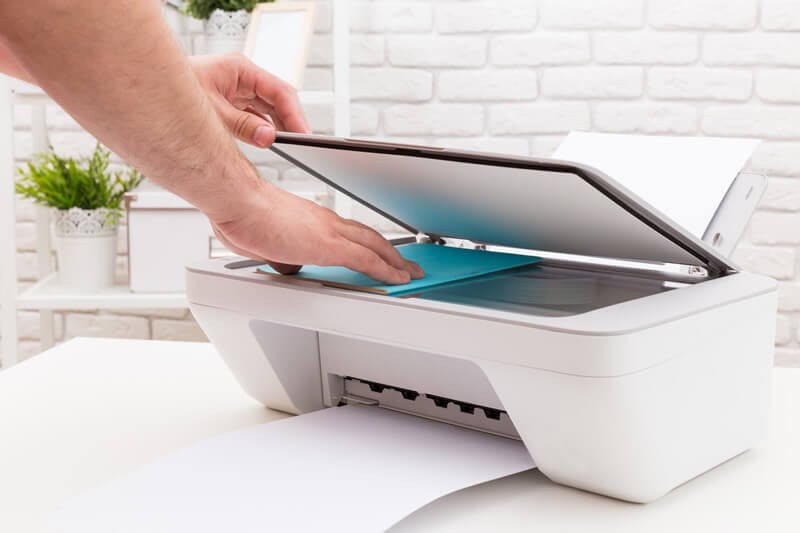
OCR steht für „Optical Character Recognition“ (optische Zeichenerkennung). Dies bezeichnet den Prozess, wenn ein Bild von einem Papierdokument erfasst und der Text aus dem Bild extrahiert wird.
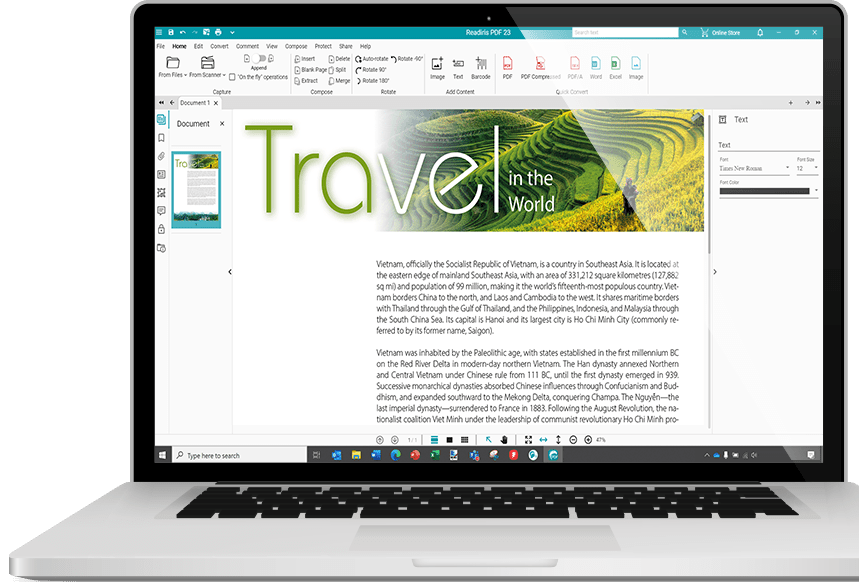
Readiris PDF ist ein OCR-Softwarepaket, das automatisch Text von Papierdokumenten, Bildern oder PDF-Dateien in vollständig bearbeitbare Dateien konvertiert, ohne dass ein mühsames Eintippen erforderlich ist!
Die in Readiris PDF verwendete Texterkennungstechnologie (OCR) ermöglicht eine sehr genaue Dokumentenerkennung, wobei das ursprüngliche Seitenlayout erhalten bleibt.
Weitere Informationen zur OCR-Software
Technische Daten:
Sprachen der Benutzeroberfläche: Englisch, Deutsch, Spanisch, Französisch, Russisch, Vereinfachtes Chinesisch, Traditionelles Chinesisch, Koreanisch,
Japanisch, Italienisch, Polnisch, Niederländisch, Arabisch, Dänisch, Finnisch, Ungarisch, Norwegisch, Portugiesisch Portugal, Portugiesisch Brasilien,
Rumänisch, Schwedisch, Ukrainisch, Bulgarisch, Katalanisch, Tschechisch, Griechisch, Hebräisch, Türkisch.
Erkennung von Sprachen: Afaan Oromo, Afrikaans, Albanisch, Arabisch, Asturisch, Aymara, Aserbaidschanisch (Lateinisch), Balinesisch, Baskisch,
Bemba, Bikol, Bislama, Bosnisch (Kyrillisch), Bosnisch (Lateinisch), Brasilianisch, Bretonisch, Bulgarisch, Bulgarisch-Englisch, Cebuano, Chamorro, Chinesisch (Traditionell),
Chinesisch (Vereinfacht), Dänisch, Deutsch, Deutsch (Schweiz), Englisch (UK), Englisch (USA), Esperanto, Estnisch, Färöisch, Farsi, Fidschi, Finnisch,
Französisch, Friaulisch, Friesisch, Galicisch, Ganda, Griechisch, Griechisch-Englisch, Grönländisch, Haitianisches Kreolisch, Hani, Hebräisch,
Hiligaynon, Ido, Ilocano, Indonesisch, Interlingua, Irisch (Gälisch), Isländisch, Italienisch, Japanisch, Javanesisch, Kapampangan, Kasachisch, Katalanisch,
Kikongo, Kinyarwanda, Koreanisch, Korsisch, Kroatisch, Kurdisch, Lateinisch, Lettisch, Litauisch, Luba, Luxemburgisch, Maduresisch, Malagasy, Malaiisch, Maltesisch,
Manx (Gälisch), Maori, Maya, Mazedonisch, Mazedonisch-Englisch, Mexikanisch, Minangkabau, Moldawisch, Mongolisch (Kyrillisch), Nahuatl, Niederländisch, Norwegisch,
Numerisch, Nyanja, Nynorsk, Okzitanisch, Papiamento, Pidgin-Englisch (Nigeria), Polnisch, Portugiesisch, Quechua, Rätoromanisch, Rumänisch, Rundi, Russisch,
Russisch-Englisch, Samoanisch, Sardisch, Schottisch (Gälisch), Serbisch, Serbisch (Lateinisch), Serbisch-Englisch, Shona, Slowakisch, Slowenisch, Somali, Sotho, Spanisch,
Sundanesisch, Swahili, Schwedisch, Tagalog, Tahitianisch, Tatarisch (Lateinisch), Tetum, Tok Pisin, Tonga, Tschechisch, Tswana, Türkisch, Turkmenisch (Lateinisch),
Ukrainisch, Ukrainisch-Englisch, Ungarisch, Usbekisch, Waray, Walisisch, Weißrussisch, Weißrussisch-Englisch, Wolof, Xhosa, Zapotekisch, Zulu.
Mindestsystemanforderungen
Windows®:
- Prozessor mit mindestens 1,5 GHz
- Microsoft® Windows® 10 oder Windows® 11
- RAM: 8GB
- 5 GB freier Speicherplatz auf der Festplatte
- Internetverbindung für Software-Download und Aktivierung
MacOS®:
- Prozessor mit mindestens 1,5 GHz
- MacOS® ab Version 10.15
- 4 GB RAM (8 GB empfohlen)
- 5 GB freier Speicherplatz auf der Festplatte
- Internetverbindung für Software-Download und Aktivierung
 Windows 10/11
 macOS 13