Acerca de OCR
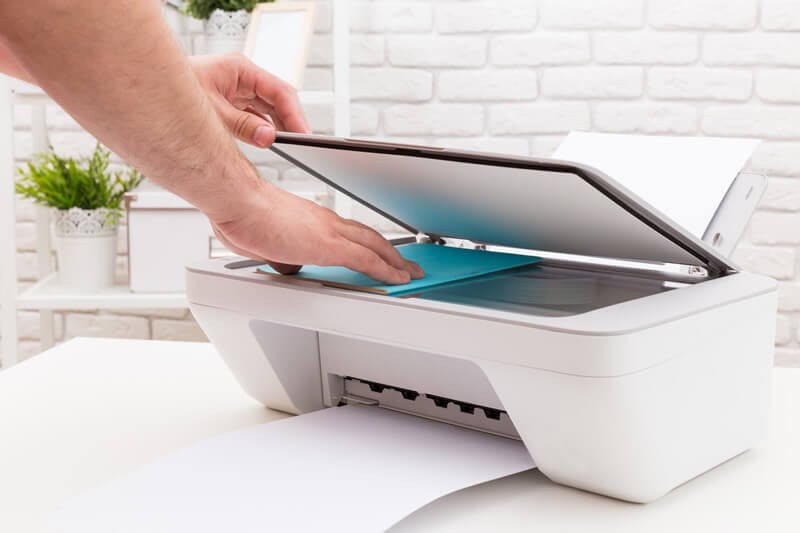
«OCR» es una sigla en inglés que significa 'reconocimiento óptico de caracteres' y describe el proceso por el que se captura una imagen de un documento en papel y se extrae el texto que contiene.
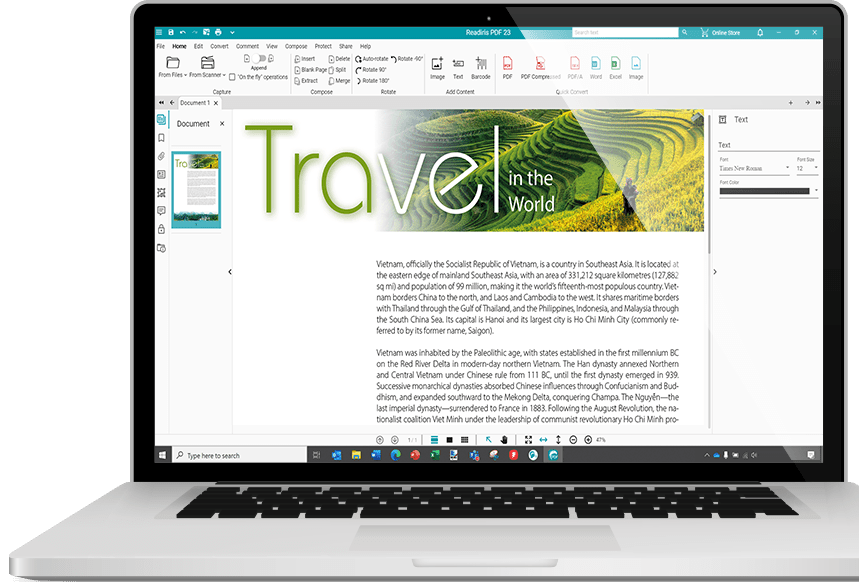
Readiris PDF es un paquete de software de OCR que convierte automáticamente el texto de los documentos en papel, imágenes o archivos PDF en archivos editables sin tener que reproducir su contenido manualmente.
La tecnología de reconocimiento óptico de caracteres que se utiliza en Readiris PDF ofrece una gran precisión de reconocimiento y conserva el formato original de las páginas.
Más información sobre el software de OCR
Referencias técnicas
Idiomas de la interfaz: Inglés, español, francés, ruso, chino simplificado, chino tradicional,
coreano, japonés, italiano, neerlandés, polaco, alemán, árabe, danés, finés, húngaro,
noruego, portugués de Portugal, portugués de Brasil, rumano, sueco, ucraniano, búlgaro, catalán, checo, griego,
hebreo y turco.
Idiomas reconocidos: Afrikáans, aimara, albanés, alemán, alemán de Suiza, árabe,
asturiano, azerí (alfabeto latino), balinés, bemba, bicolano, bielorruso, bielorruso-inglés, bislama, bosnio (alfabeto cirílico),
bosnio (alfabeto latino), bretón, búlgaro, búlgaro-inglés, catalán, cebuano, coreano, corso, criollo haitiano,
croata, chamorro, checo, chino (simplificado), chino (tradicional), chinyanja, danés, escocés (gaélico), eslovaco, esloveno,
español, español de México, esperanto, estonio, farsi, feroés, finés, fiyiano, francés, frisón,
friulano, galés, gallego, ganda, griego, griego-inglés, groenlandés, hani, hebreo, hiligainón, húngaro, ido,
ilocano, indonesio, inglés de Reino Unido, inglés de Estados Unidos, interlingua, irlandés (gaélico), islandés,
italiano, japonés, javanés, kazajo, kurdo, latín, letón, lituano, luba, luxemburgués, macedonio,
macedonio-inglés, madurese, malayo, malgache, maltés, manés (gaélico), maorí, maya, minangkabau, moldavo,
mongol (alfabeto cirílico), náhuatl, neerlandés, noruego, numérico, nynorsk, oromo, pampango, papiamento,
pidgin inglés (Nigeria), polaco, portugués, portugués de Brasil, provenzal, quechua, quijongo, quiñaruanda,
reto-románico, rumano, rundi, ruso, ruso-inglés, samoano, sardo, serbio, serbio (alfabeto latino), serbio-inglés, shona,
somalí, sotho, suajili, sueco, sundanés, tagalo, tahitiano, tátaro (alfabeto latino), tetun, tok pisin, tonga, tswana, turco, µ
turkmeno (alfabeto latino), ucraniano, ucraniano-inglés, uzbeco, vasco, waray, wolof, xhosa, zapoteco y zulú.
Configuración mínima necesaria
Windows®:
- Procesador a 1,5 GHz o superior.
- Microsoft® Windows® 10 o Windows® 11
- RAM: 8GB
- 5 GB de espacio libre en el disco
- Conexión a Internet para descargar y activar el software
MacOS®:
- Procesador a 1,5 GHz o superior.
- MacOS® 10.15 y versiones posteriores
- RAM: 8GB
- 5 GB de espacio libre en el disco
- Conexión a Internet para descargar y activar el software
 Windows 10/11
 macOS 11+